How to Brand Your Etsy Shop in Canva (Without a Designer)
Branding an Etsy shop in Canva is not about making every graphic decorative or forcing every product photo into the same template. The goal is to create a small visual system that helps buyers recognize your shop, understand what you sell, and move from one listing to another without feeling as if they have entered a different business.
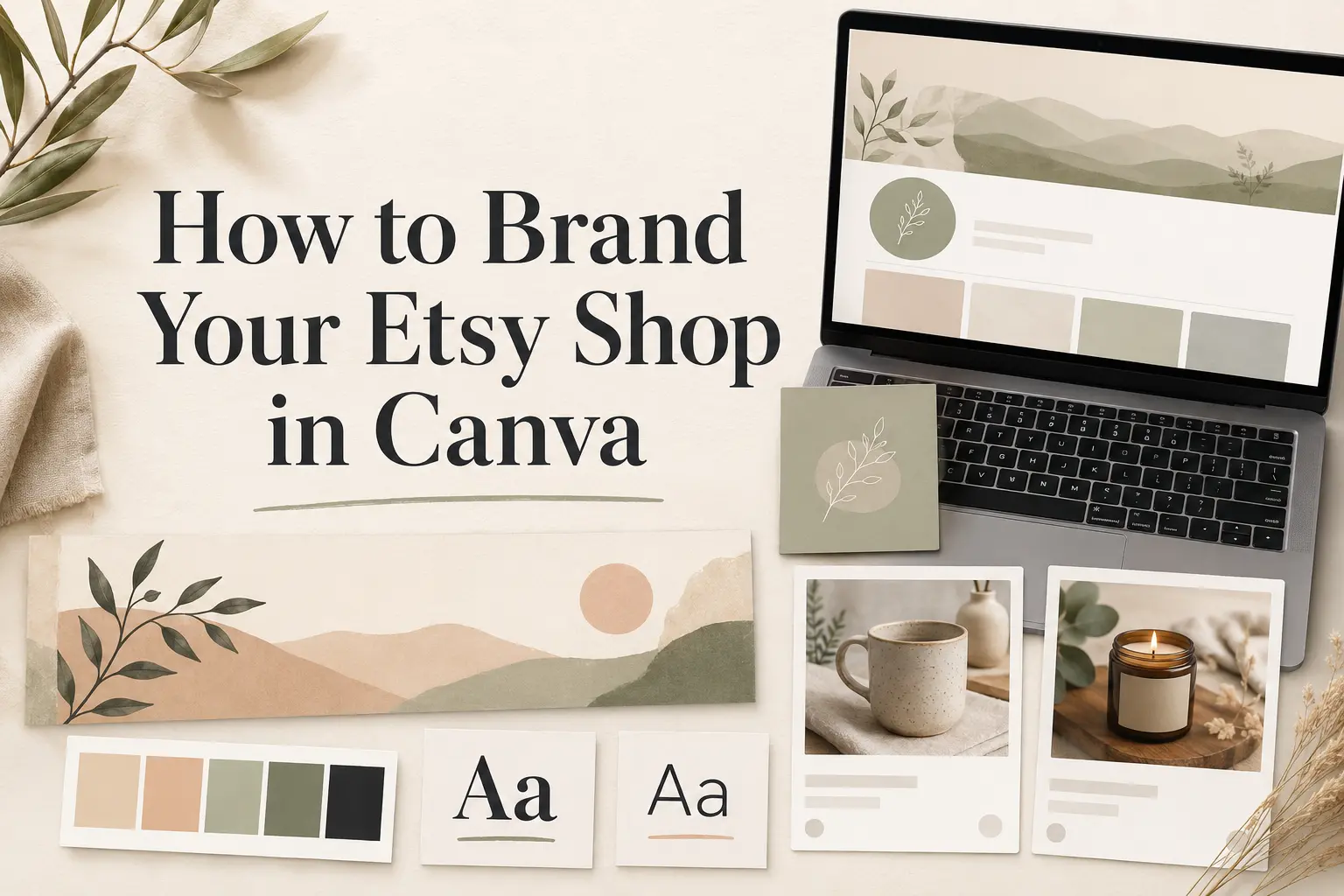
You can build that system without hiring a designer. Start with a clear brand direction, choose a restrained color and font palette, then create reusable Canva files for your shop icon, banner, and supporting listing images. Your products should remain the focus. The branding gives them a consistent frame.
Quick Answer: How Do You Brand an Etsy Shop in Canva?
To brand your Etsy shop in Canva, first define who the shop is for, what makes the products different, and three words that describe the desired visual impression. Build a one-page brand board with three to five colors, one display font, one readable supporting font, and a clear product photography direction. Then create separate Canva designs for your shop logo, banner, and repeatable secondary listing images. Test every asset at small sizes and on mobile before publishing it. Consistency should come from repeating the same decisions—not from putting the same decorative frame around every product.
What Etsy Shop Branding Actually Includes
Your Etsy brand is larger than a logo. It is the combined impression created by your products, photography, shop graphics, written voice, packaging, customer service, and story. Etsy’s own Seller Handbook recommends beginning with the qualities that make the shop distinctive and the customer it is meant to serve, then carrying that direction into the visual presentation.
For a practical Canva workflow, focus on the visual elements you will repeat most often:
- A simple shop logo or icon that remains recognizable when small.
- A big or mini shop banner that introduces the overall style.
- A consistent approach to product backgrounds, lighting, cropping, and props.
- Secondary listing image templates for benefits, sizes, options, or instructions.
- A small color palette and two-font system.
- About-section and owner images that support the same story.
Branding cannot compensate for unclear products, weak photography, confusing descriptions, or poor customer service. It can, however, make a strong product range easier to understand and remember.
Before Opening Canva: Define the Shop Direction
Canva becomes much easier to use once you have a brief. Answer these four questions before choosing a template:
- Who is the most likely buyer? Describe one real type of customer rather than “everyone.”
- What should the shop be known for? Name the reliable difference: materials, personalization, style, process, speed, sustainability, or another genuine advantage.
- Which three words should describe the brand? For example: calm, natural, considered—or playful, colorful, nostalgic.
- What should the products look like together? Decide whether the photography should feel bright, warm, minimal, tactile, dramatic, or another direction that suits the products.
A useful one-sentence brief could be: “A calm, modern shop for thoughtful home-gift buyers, using warm neutral photography, natural textures, and simple editorial typography.” This sentence is specific enough to guide choices without becoming a complicated brand strategy document.
Step 1: Build a One-Page Etsy Brand Board in Canva
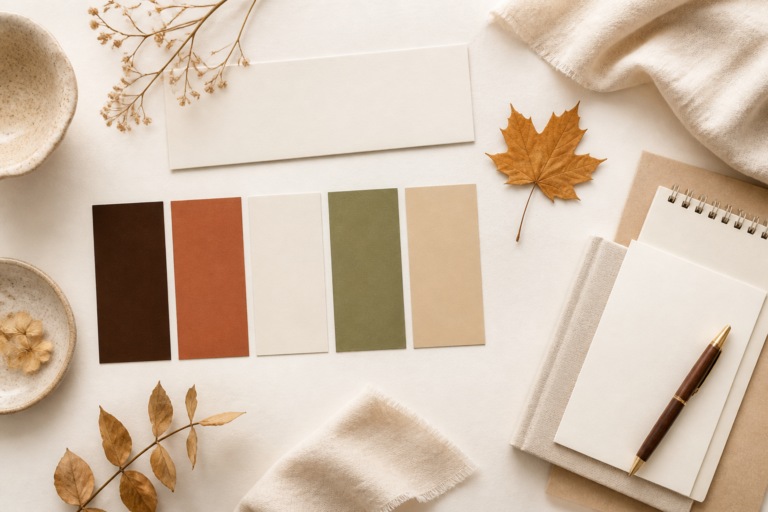
Create one landscape Canva page and collect the decisions that every future design should follow. Include:
- Your shop name and short positioning sentence.
- Three to five brand colors with hex codes.
- One display font and one supporting font.
- Your shop logo or current wordmark.
- Three to six reference images showing lighting, crop, texture, and mood.
- Two or three simple design rules, such as “use the sage color only for accents” or “keep all informative text left aligned.”
If you have never built one, follow the complete guide to creating a brand board in Canva. Keep the board visible while designing the rest of the shop so you are making decisions from a system instead of starting again with every asset.
Step 2: Choose a Small Color and Font System
A small Etsy shop rarely needs a large visual palette. Begin with one primary dark color, one light background, one or two supporting neutrals, and one accent. Check that text remains easy to read against every background you plan to use.
Use the same restraint with typography. One font can handle expressive headings or the shop name, while a simpler font handles prices, dimensions, instructions, and other practical information. Review these Canva font pairings for small business branding if you need a starting point. If the shop logo still needs a direction, compare the best fonts for small business logos.
Do not use a decorative script for small informational text. Etsy shoppers often browse on phones, and a font that looks attractive at editing size may become unreadable in a listing thumbnail.
Step 3: Create a Shop Logo That Works Small
Etsy recommends a 500 × 500 pixel shop logo. Because it appears much smaller in feeds, receipts, and the Etsy app, the design should stay simple. A short wordmark, clear initials, or a recognizable symbol usually scales more reliably than a detailed badge with several lines of text.
- Start a 500 × 500 pixel Canva design.
- Use one background color and one high-contrast logo treatment.
- Keep important elements away from the edges.
- Download a PNG and preview it at approximately 50 pixels wide.
- Ask whether the shop name or symbol can be recognized without zooming.
Your owner profile photo has a different job. Etsy recommends a square image at least 400 × 400 pixels. When appropriate, a clear photo of the person behind the shop can build more trust than repeating the shop logo in both places.
Step 4: Design the Etsy Shop Banner in Canva
The banner introduces the shop, but it should not try to explain everything. Use it to reinforce the product category, visual mood, and one short message.
| Shop asset | Useful Canva starting size | Design priority |
|---|---|---|
| Shop logo | 500 × 500 px | Simple and recognizable when small |
| Big banner | 3360 × 840 px | Keep text central and mobile-safe; Etsy minimum is 1200 × 300 px |
| Mini banner | 1600 × 213 px | Use minimal text; Etsy minimum is 1200 × 160 px |
| Listing image master | 2500 × 2000 px landscape | Keep the product central with room for cropping |
| Owner profile photo | 400 × 400 px or larger | Use a clear, tightly cropped image |
Etsy’s current Seller Handbook describes 3360 × 840 pixels as an optimal big-banner size and 1200 × 300 pixels as the minimum. Mini banners require at least 1200 × 160 pixels and do not appear on mobile. Keep important words and products near the center so cropping does not remove them.
- Use the same colors and image direction as the brand board.
- Limit the banner to the shop name, product category, or one short differentiator.
- Avoid tiny taglines, multiple offers, and long lists.
- Preview the banner on desktop and mobile before considering it finished.
Step 5: Create a Repeatable Listing Image System
The first listing image should normally show the product clearly rather than function as a branded poster. Etsy recommends listing images with both width and height of at least 2000 pixels. It also recommends a horizontal or square first image, a centered focal point, and enough space around the product to accommodate different thumbnail crops.
A 2500 × 2000 pixel landscape Canva master is a practical starting point because both dimensions exceed 2000 pixels and the shape gives you room for safe cropping. For each listing, duplicate the master instead of designing from a blank page.
A useful image sequence might include:
- Primary product image: a clear photograph or mockup with minimal distraction.
- Alternative angle or close-up: show texture, detail, or scale.
- Benefit image: explain the main outcome in a short phrase.
- Size or specifications: use the readable supporting font.
- Options or personalization: show colors, names, materials, or variations clearly.
- How it works: use three to five simple steps when the purchase process needs explanation.
- Trust or process image: show materials, packaging, studio work, or what the buyer receives.
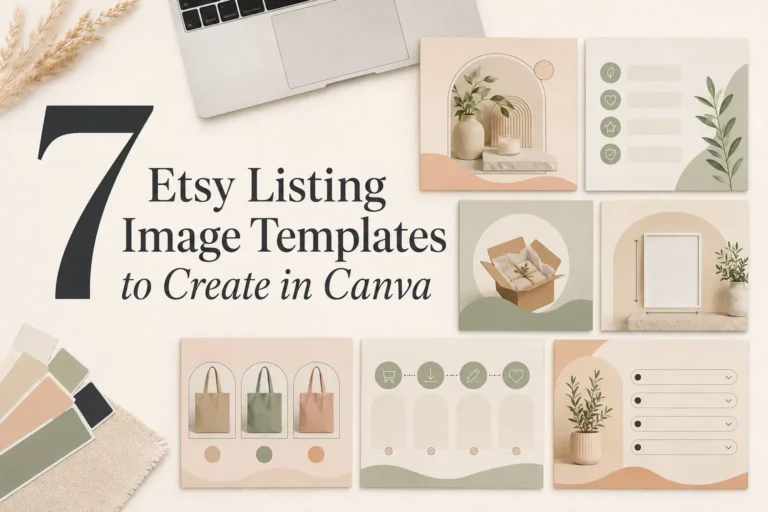
For a page-by-page workflow, use the guide to seven Etsy listing image templates to create in Canva. It explains the product hero, benefits, what’s included, specifications, personalization, process, and FAQ pages in detail.
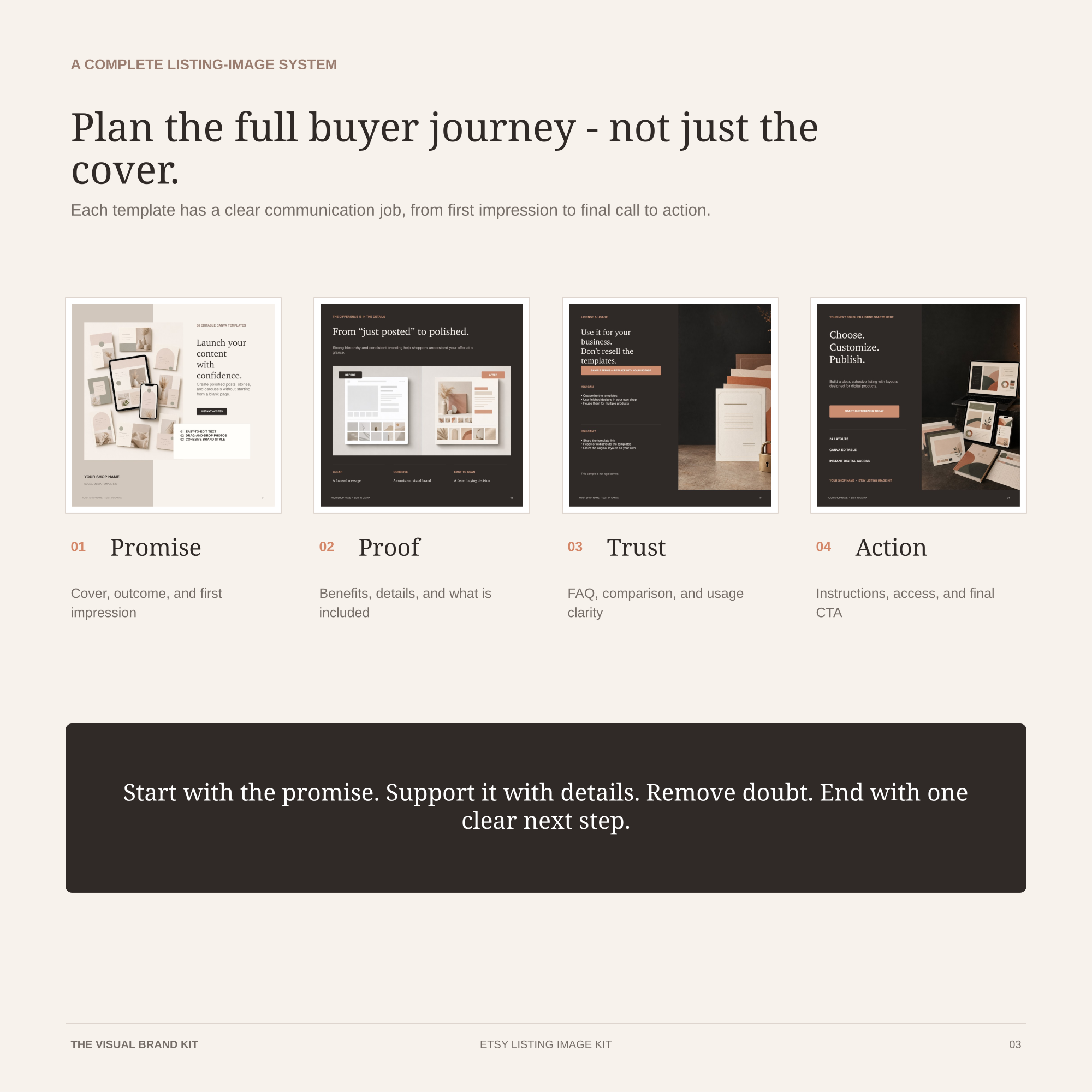
READY-TO-EDIT CANVA SYSTEM
Carry the brand through the full buyer journey.
The Etsy Listing Image Kit gives digital product sellers 24 editable square templates for promise, proof, trust, and action—plus a Customer Guide and Listing Image Planner.
Not every listing needs every template. Reuse the layout where it improves clarity, but let real product photography carry most of the visual weight.
Step 6: Make the About Section Feel Like the Same Business
The About section is part of the brand, not an administrative afterthought. Use it to show the person, process, materials, or workspace behind the products. Your writing should explain why the shop exists and what buyers can expect, while the images should continue the same lighting and color direction as the rest of the storefront.
A polished shop can still feel human. In fact, a little evidence of the maker often creates more trust than another perfect graphic. Use Canva for light cropping, simple captions, or a consistent cover—but do not design away the real story.
Step 7: Organize the Canva Files for Fast Reuse
Create a simple folder structure so future shop updates do not depend on memory:
- 01 Brand Board: colors, fonts, logo files, and visual rules.
- 02 Etsy Shop Assets: shop icon, big banner, mini banner, and seasonal versions.
- 03 Listing Templates: primary image, benefit, dimensions, options, process, and delivery.
- 04 Product Photography: edited source images organized by product or collection.
- 05 Archive: retired banners and old templates that should not be duplicated.
Keep one clean master of every template. Duplicate it before editing, name the new file with the product or collection, and avoid making changes to the master while rushing to publish a listing.
For a temporary holiday refresh, keep the same core colors, font roles, and layout system, then add only the seasonal layer. See Holiday Etsy Shop Branding Ideas: A Simple Seasonal Refresh for a practical sequence.
A 30-Minute Etsy Branding Workflow for Each New Listing
- Select the strongest product photograph and correct lighting and crop consistently.
- Duplicate the listing-image Canva master.
- Replace product images and update only the information that changes.
- Check font sizes, contrast, alignment, and safe margins.
- Export the images in the same order used across similar listings.
- Preview the first image at thumbnail size before uploading.
- Add descriptive alt text to listing images where appropriate.
The system should make publishing faster while still leaving room for different products. If every listing requires a complete redesign, the system is too complicated.
Common Etsy Shop Branding Mistakes
- Choosing a template before defining the shop. A fashionable layout cannot replace a clear audience and product promise.
- Putting too much text in the banner. Long messages become unreadable after scaling and cropping.
- Using the shop logo as the first product image. Buyers need to understand the product first.
- Changing colors and fonts for every listing. Variety in products does not require a different identity each time.
- Making every image a graphic. Product photography should remain the foundation.
- Ignoring mobile previews. Desktop-only decisions often fail in small thumbnails.
- Using scripts for practical information. Dimensions, options, and instructions need a highly readable font.
- Copying another Etsy shop too closely. Use competitors to understand conventions, not to duplicate their identity.
Etsy Shop Branding Checklist
- One clearly defined target buyer.
- One sentence explaining what makes the shop different.
- Three brand personality words.
- A palette of three to five colors with accessible contrast.
- One display font and one readable supporting font.
- A brand board saved in Canva.
- A simple 500 × 500 pixel shop logo.
- A banner designed for the correct format and tested after cropping.
- A repeatable photography direction.
- Reusable secondary listing-image templates.
- A completed About section with real story and process imagery.
- A clean Canva folder and naming system.
Frequently Asked Questions
Can I brand an Etsy shop with the free version of Canva?
Yes. You can create a brand board, logo, banner, and listing-image templates with ordinary Canva designs. If your Canva plan includes dedicated brand-management features, they can make assets easier to store, but the workflow does not depend on them.
What size should an Etsy shop logo be?
Etsy recommends 500 × 500 pixels. Keep the design simple and preview it much smaller because the logo appears in compact placements across Etsy.
What size should an Etsy shop banner be in Canva?
For a big banner, 3360 × 840 pixels is a strong Canva starting size; Etsy lists 1200 × 300 pixels as the minimum. For a mini banner, use 1600 × 213 pixels or another file above Etsy’s 1200 × 160 pixel minimum. Confirm the current guidance before exporting.
Should every Etsy listing image use the same template?
No. Use the same system for recurring information, spacing, colors, and typography, but choose the images each product actually needs. The first image should prioritize the product, not the template.
How many fonts should an Etsy shop use?
Two well-defined font roles are enough for many shops: one display font and one readable supporting font. A third accent font is optional and should have a clear, limited purpose.
Does better branding improve Etsy search ranking?
Branding is not a substitute for relevant titles, tags, categories, product quality, pricing, or customer experience. Clear, cohesive images may help shoppers understand and trust a listing, but they should be treated as part of the overall buying experience rather than a guaranteed search-ranking tactic.
Ready to build a cohesive Etsy listing?
Use 24 editable Canva listing-image templates to turn your colors, fonts, product details, access steps, FAQ, and final CTA into one repeatable visual system.
Final Thoughts
A useful Etsy brand system should make the shop clearer and the design process faster. Begin with the buyer and the products, build a small brand board, then repeat the same color, typography, photography, and spacing decisions across the shop logo, banner, listing images, and About section.
Do not wait for every detail to feel perfect. Build the first consistent version, publish it, and improve it as you learn which products and visuals connect with buyers. The goal is a shop that feels recognizable and trustworthy without looking over-designed.
Review your visual system before creating more graphics
Download the free 6-page Brand Consistency Checklist to review your colors, fonts, Canva setup, and recurring brand decisions.
Official Etsy Resources
- Etsy image requirements and best practices
- Customizing your Etsy shop home
- How to define your Etsy brand
- How to create an Etsy listing