Holiday Etsy Shop Branding Ideas: A Simple Seasonal Refresh
A holiday Etsy refresh does not need to turn your whole shop into a different brand. The useful goal is simpler: make the seasonal information easy to notice while keeping the shop recognizable to people who have already seen your products, listing photos, or social posts.
Start with the customer-facing touchpoints that carry the most seasonal context: the shop banner, listing-image system, color palette, type hierarchy, and one customer follow-up detail such as a thank-you card or order-receipt banner. Then use the same small system across them instead of decorating each area separately.
Disclosure: This article contains affiliate links. If you make a purchase through one of these links, The Visual Brand Kit may earn a commission at no extra cost to you. Recommendations are selected for editorial relevance. Product availability, included files, subscription access, and license terms can change. Review the current product page and applicable license before downloading or using a resource for business or client work. Read the full Affiliate Disclosure.
Quick Answer: Keep the Brand Foundation, Add a Seasonal Layer
Keep the parts that help customers recognize your shop: your logo, product photography approach, primary text style, and overall tone. Add a temporary holiday layer through one limited palette, a short seasonal message, a few relevant product highlights, and one consistent decorative motif. This approach gives the shop a timely update without creating a new visual identity every December.
| Keep consistent | Refresh for the season | Why it helps |
|---|---|---|
| Logo and main business name | Short banner message | Customers can still recognize the shop quickly. |
| Primary readable text style | One display or accent style | Seasonal personality does not reduce clarity. |
| Core product photography approach | A repeatable listing-image frame or badge | The catalog feels related without hiding the product. |
| Core brand colors | One or two seasonal accents | The holiday layer remains flexible and temporary. |
A 6-Part Holiday Etsy Shop Branding Checklist
1. Give the Banner One Clear Job
Your banner does not need to explain everything you sell. Use it to communicate one current idea: a holiday collection, an order deadline after you have confirmed it, a gift-ready category, a seasonal direction, or a short welcome message. Keep the business name prominent and leave room around the main message so it is readable on smaller screens.
- Useful banner structure: business name + short seasonal line + one simple visual cue.
- Example seasonal lines: “Thoughtful gifts for the winter season,” “Holiday collection now available,” or “Cozy handmade details for your celebrations.”
- Avoid: placing product prices, long shipping information, or every product category in the banner.
2. Build a Listing-Image System, Not Twelve Unrelated Covers
Holiday listing images work harder when customers can still identify the product quickly. Choose one repeatable layout rule, such as a quiet cream border, a small evergreen corner shape, or a single badge position. Use that rule only where it supports the product image; the product itself should remain the focus.
- First image: show the product clearly, with little or no extra text.
- Supporting images: use the consistent frame for a feature, size, material, personalization option, gift note, or what is included.
- Seasonal badge: use only for information you can support, such as “gift-ready packaging” if that is actually offered.
3. Choose a Small Holiday Palette
A palette is more useful when each color has a role. Pick a light background, a dark text color, one primary color, and one accent. If your permanent brand is already colorful, you may only need one seasonal neutral or accent rather than a full red-and-green reset.
For original palette directions and HEX codes, see Christmas Brand Color Palettes in Canva. Publish this hub article only after that linked palette article is public.
4. Make Typography Roles Obvious
You may add a festive display typeface or accent style, but reserve it for a short collection name or a single emotional word. Keep prices, item details, instructions, and calls to action in the clearest text style you already use. That is especially important when a customer is viewing a listing image at phone size.
For a practical seasonal pairing process, see Christmas Canva font pairings for small business.
5. Carry One Detail Into the Customer Experience
Choose one small customer touchpoint that can match the shop refresh: a thank-you card, an order-receipt banner, a gift-note insert, or a simple post-purchase message image. The goal is continuity, not extra decoration. Use the same palette, type hierarchy, and tone that appear in the banner and listings.
6. Test the System Before You Apply It Everywhere
Before updating a full shop, create one sample banner, one first listing image, one supporting listing image, and one customer touchpoint. Review them side by side at phone size. If they feel like they came from the same business and the product is still clear, then repeat the system where it makes sense.
A Simple Order of Operations
- Write the seasonal message. Keep it honest and specific to what your shop can currently offer.
- Choose the palette and type roles. Document them on one working brand-board page before making graphics.
- Make the banner. Establish the visual direction in the widest, simplest format first.
- Create one listing-image mini system. Use the product-first image and one supporting frame as the pattern for later listings.
- Add one customer-touchpoint detail. Reuse the same visual rules on a thank-you card or receipt banner if appropriate.
- Review on a phone and at normal browsing distance. Remove anything that makes essential information harder to read.
Optional Creative Fabrica Templates for a Seasonal Shop Refresh
The checklist above works with your own layout. If you want editable starting materials, the following Creative Fabrica listings may be useful. Review the current listing, included files, license, and exact Canva workflow before downloading or purchasing; no product is a substitute for checking how your specific shop and products need to be presented.
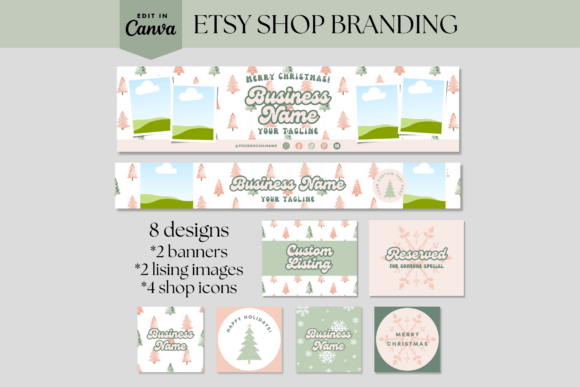
Holiday Etsy Shop Banners Canva Template — For a Focused Seasonal Banner
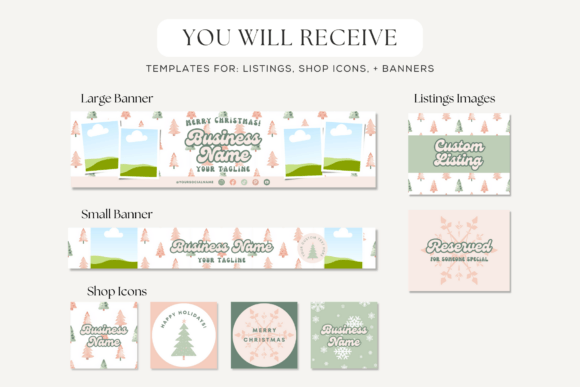
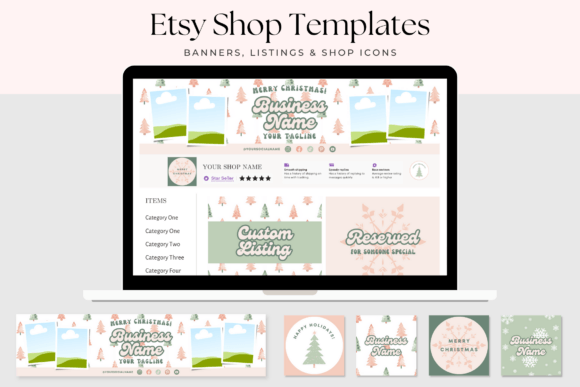
This listing describes one large banner, one small banner, two listing images, and four shop icons in a holiday-oriented Canva kit. It is the most focused option here when the immediate need is a coordinated seasonal header and a few matching storefront elements.
View Holiday Etsy Shop Banners on Creative Fabrica →
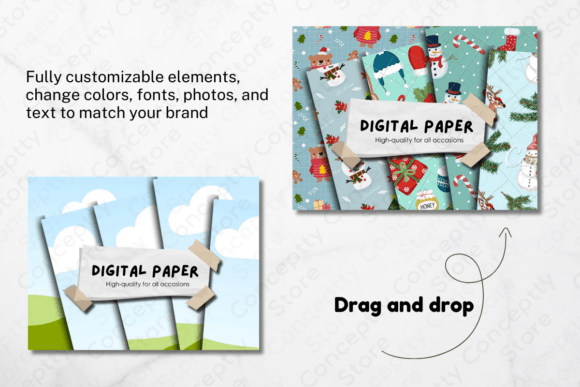
Etsy Listing Christmas Canva Template 12 — For a Seasonal Listing-Image Set
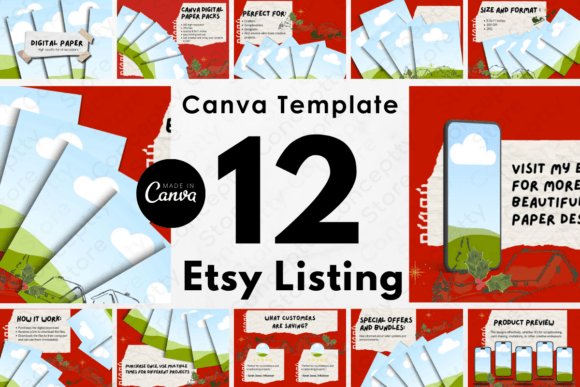
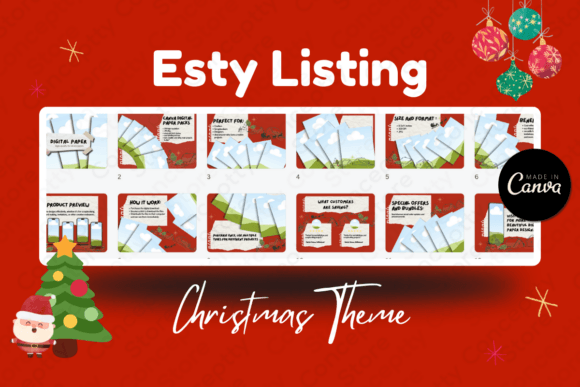
This listing describes a 12-page Christmas-red Canva template set for Etsy listing images. It can be a useful starting point for a shop that needs a consistent seasonal image sequence, provided the final layouts still keep product photography and practical information clear.
View Etsy Listing Christmas Canva Template 12 on Creative Fabrica →
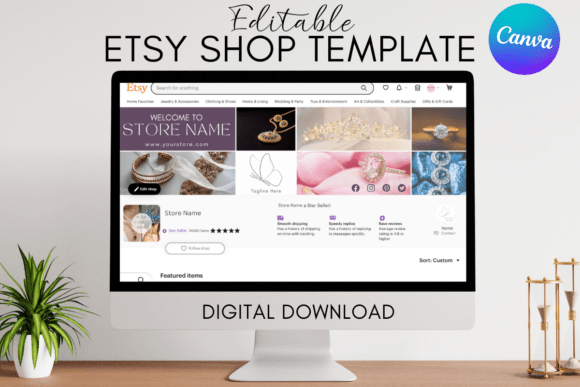
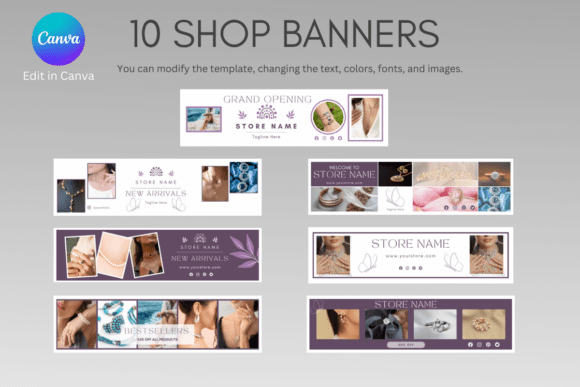
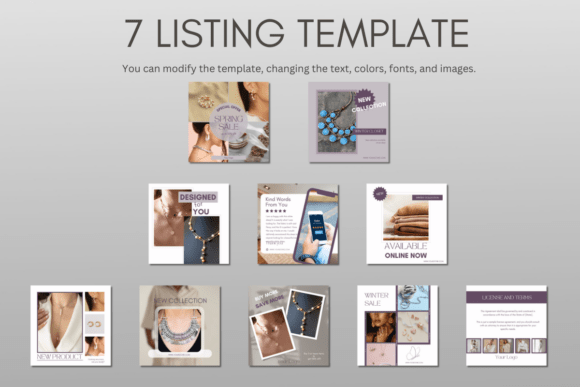
Etsy Shop Branding Kit Canva Template — For a Broader Storefront System
This editable Canva kit describes banner, listing-image, shop-icon, order-receipt, and thank-you-card templates. It is the more complete choice when your shop needs a coordinated baseline that can carry a restrained holiday layer.
View Etsy Shop Branding Kit on Creative Fabrica →
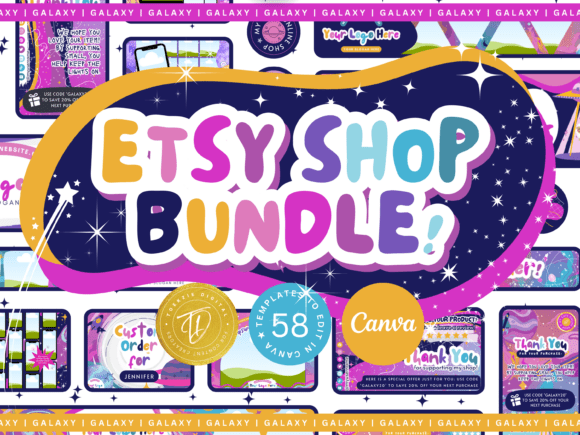
Etsy Shop Bundle Canva Template | GALAXY — For a Larger Editable Bundle
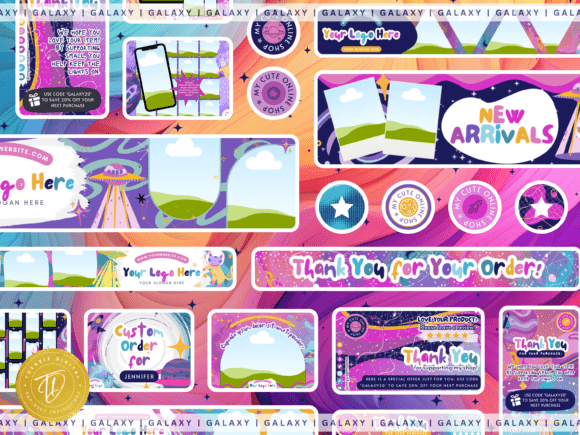
This listing describes banner, listing-image, icon, receipt-banner, and thank-you-card components in one editable Canva bundle. It may suit a seller who wants many variations, but use only the components that support a simple, consistent visual system.
View Etsy Shop Bundle Canva Template | GALAXY on Creative Fabrica →
Final Holiday Shop Refresh Checklist
- The banner has one seasonal message and keeps the business name clear.
- The product remains the visual priority in every first listing image.
- One repeatable frame, badge, or layout rule ties supporting listing images together.
- The holiday palette has clear roles and still fits the permanent brand.
- Decorative type is limited to short accents; practical information stays readable.
- One customer touchpoint carries the same visual system, if it is relevant to the shop.
- All current claims about gift readiness, delivery, personalization, or timing are accurate.
- Every external template has been rechecked for availability, included files, and relevant license terms.
Final Thoughts
The strongest holiday Etsy refresh is usually not the most decorated one. It gives seasonal context to customers while making the shop easier to recognize, browse, and understand. Start with a small system, test it on the touchpoints customers actually see, and reuse the successful parts instead of redesigning the store from scratch.
Affiliate and workflow note: The Creative Fabrica links above are affiliate links. Product availability, subscription access, included files, and license terms may change. Review the current product page and license before use. Do not redistribute original downloaded files or assume that a customer, client, or template recipient automatically receives the same access. A resource recommendation does not guarantee marketplace compliance, trademark suitability, exclusive rights, or compatibility with every Canva plan or workflow.