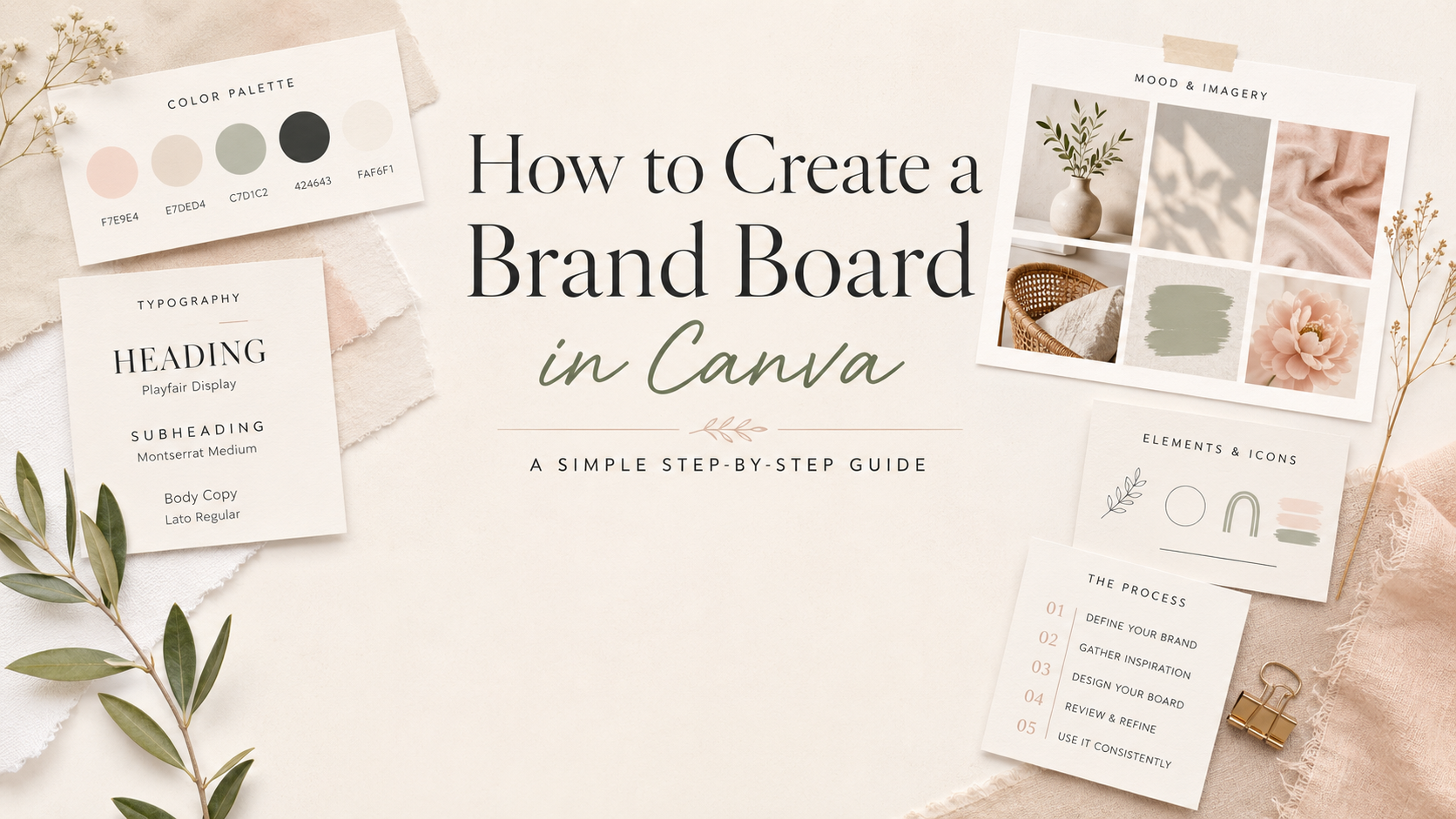
How to Create a Brand Board in Canva
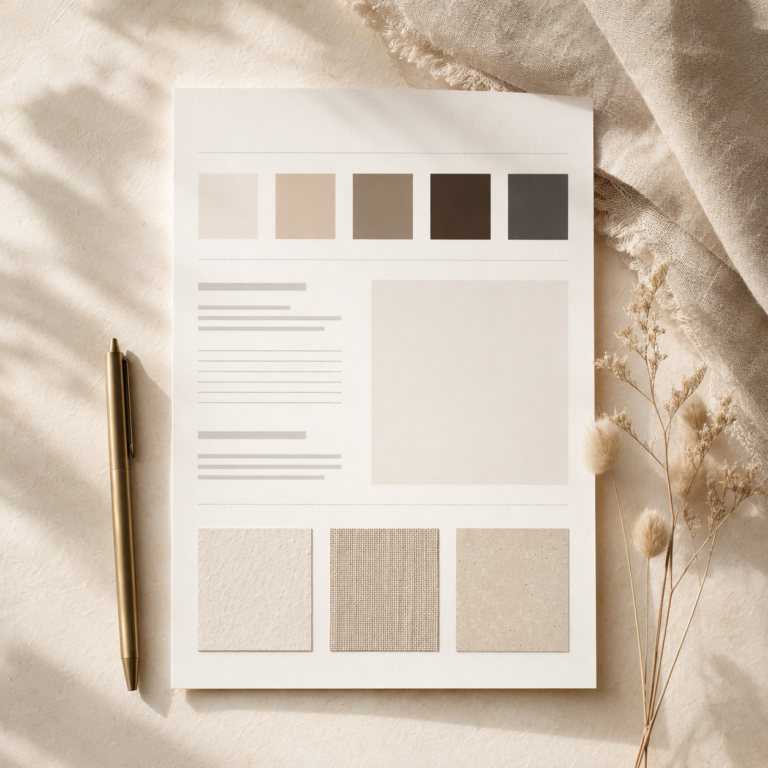
A brand board is a simple one-page reference for the visual choices you use again and again in your business. It can include your colors, fonts, logo variations or business name, image style, graphic elements and a few examples of how your visuals should feel.
If you use Canva for templates, Pinterest graphics, lead magnets, pricing guides or everyday marketing materials, a brand board helps you stop redesigning from scratch every time. It gives you a clear visual direction before you open another blank design.
This guide is for non-designer small business owners who want a cleaner, more consistent brand look without turning the process into a full agency-style branding project. You can start with a simple Canva brand board now and improve it as your business grows.
If you are new to this site, you can also visit Start Here for the main roadmap, or explore more visual branding and Canva workflows.
Want a simple brand kit checklist?
Download the free Small Business Brand Kit Checklist and review the essential brand decisions before you create more Canva templates, Pinterest pins, lead magnets, or client-facing materials.
No spam. Unsubscribe anytime. Practical visual-branding guidance only.
Quick Answer
A Canva brand board is a simple one-page visual reference for your business. It keeps your colors, fonts, image style, logo or business name, graphic elements and template direction in one place so your Canva designs feel more consistent.
You can use it before creating Pinterest pins, lead magnets, pricing guides, client-facing PDFs or everyday marketing graphics. It does not need to be perfect. It just needs to give you a clear visual starting point.
What Is a Brand Board?
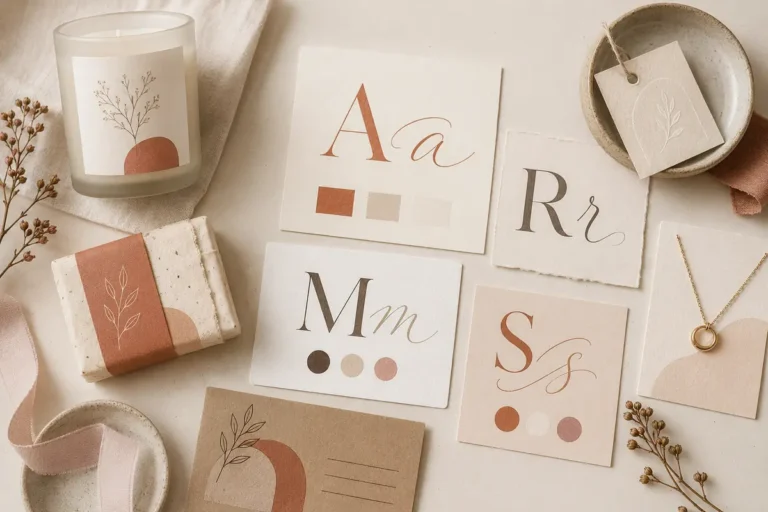
A brand board is a compact visual reference that shows the basic design ingredients of your brand in one place. It usually includes your business name or logo, color palette, font choices, image direction and a few small design elements.
Think of it as a practical visual cheat sheet. When you need to create a new Canva template, Pinterest pin, lead magnet cover or service guide, you can open your brand board and quickly check which colors, fonts and design details you should use.
A brand board is not the same as a full brand strategy. Brand strategy covers deeper decisions like positioning, audience, messaging, offer structure and customer perception. A brand guidelines document is also usually more detailed. It may include rules for logo spacing, accessibility, photography, tone of voice, print usage and team workflows.
Most small business owners do not need to start there. If you are building your first visual system, a simple brand board is enough to make your content look more intentional and easier to repeat.
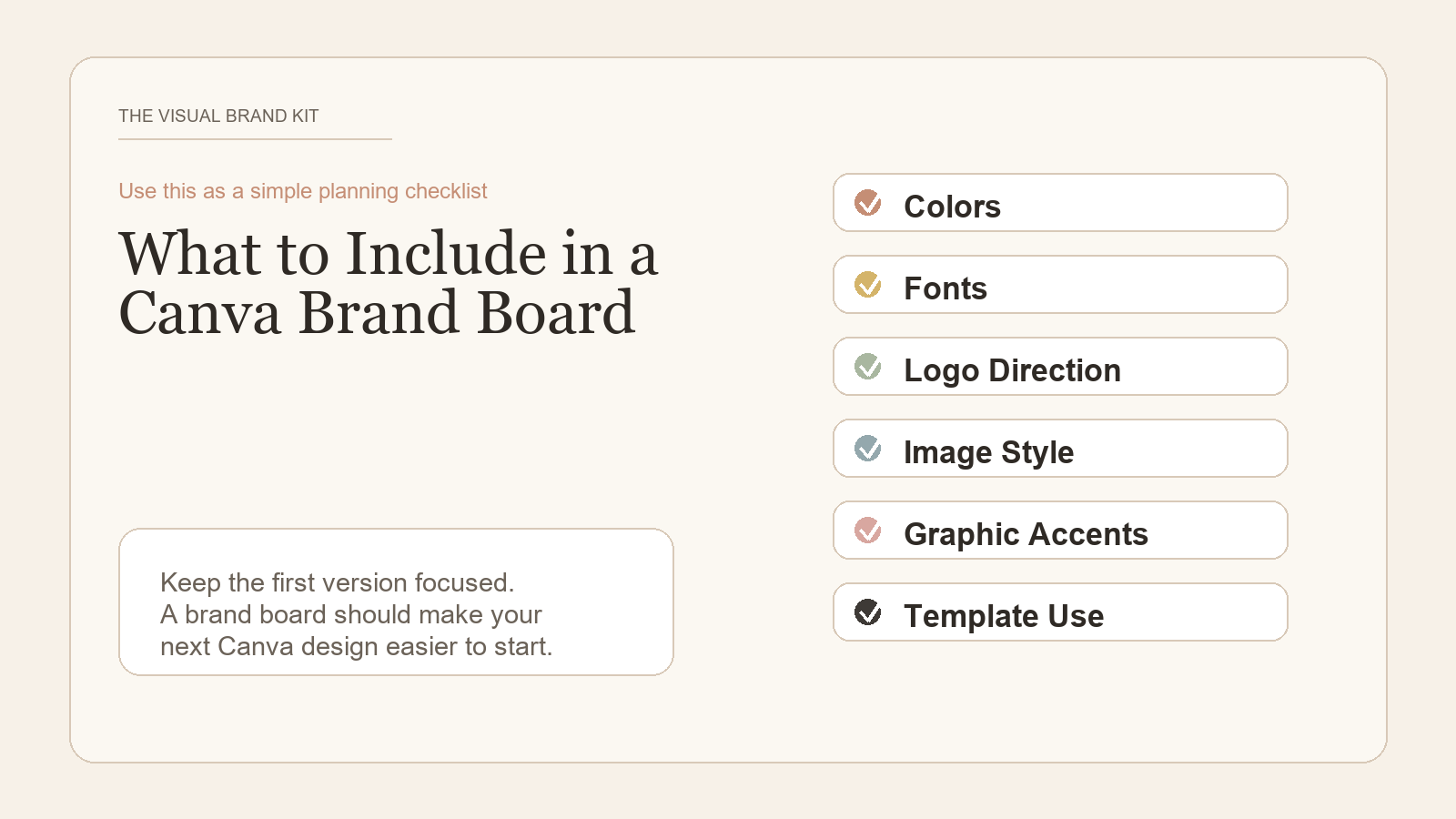
What to Include in a Canva Brand Board
Your first brand board does not need to include everything. The goal is to clarify the visual choices you use most often so your marketing materials feel connected.
Logo or Business Name
If you have a logo, place the main version near the top of the board. You can also include alternate versions if you already use them, such as a stacked logo, horizontal logo or simple mark.
If you do not have a logo yet, use your business name in a clean font. That is completely fine for a first version. Do not pause your entire visual system because you are waiting for the perfect logo.
Brand Colors
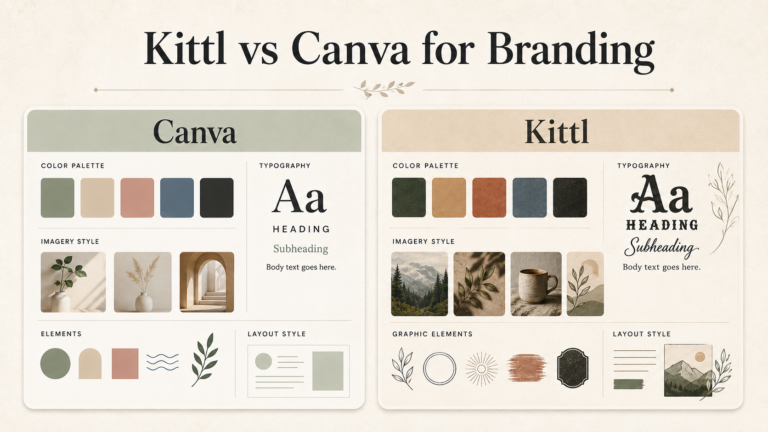
Add your main brand colors as simple color blocks. For a beginner-friendly palette, start with one primary color, one secondary color, one accent color and a few neutrals for backgrounds, borders and text.
Write the color codes under each swatch if you know them. This makes it easier to reuse the same colors inside Canva instead of choosing a slightly different shade every time.
Fonts
Choose one heading font and one body font. If you want a little more flexibility, you can add a third font for small accents, but keep it simple. Too many fonts can make a small business brand feel scattered.
On your board, show each font with a short sample line. For example, use one line for a headline, one line for body text and one line for button or label text.
Image Style
Your image style describes the kind of photography, mockups or visual mood that fits your business. For a coach, this may be calm workspace images and clean portrait photography. For an esthetician, it may be soft lighting, skin care textures and close-up treatment details. For a photographer, it may include editing style, color temperature and sample compositions.
You do not need to add final photos yet. You can use a small mood direction section with words like clean, warm, polished, minimal, editorial, friendly or high contrast.
Graphic Elements
Graphic elements are the small design details you repeat across your visuals. These may include lines, shapes, frames, icons, patterns, dividers or simple background textures.
Use these carefully. A few repeated elements can make your visuals feel consistent. Too many can make your designs look busy.
Example Canva Templates or Layout Direction
Add one or two small layout examples if you already know the types of designs you create most often. This could be a Pinterest pin direction, a lead magnet cover style, a pricing guide layout or a simple Instagram-style graphic.
You are not trying to design every template on the brand board. You are giving yourself a visual starting point.
Before You Start
You do not need a complete brand strategy before you build your first brand board. Gather a few basic pieces first so the Canva process feels easier.
- Your business name or logo
- 3-5 brand colors or color ideas
- 1-2 font choices you can read easily
- Image or mood direction, such as clean, warm, polished, calm or editorial
- One or two template types you plan to create next, such as Pinterest pins, a pricing guide or a lead magnet cover
What Size Should a Canva Brand Board Be?
There is no single required brand board size. For a digital working reference, a landscape Canva Presentation is a practical default because it gives your colors, fonts, and images room to breathe. Use a Letter or A4 document only if you expect to print the board or send it as a PDF.
The important part is not the canvas dimensions. It is keeping the board easy to scan, using enough white space, and choosing a format you can reopen while creating your everyday visuals.
How to Create a Brand Board in Canva
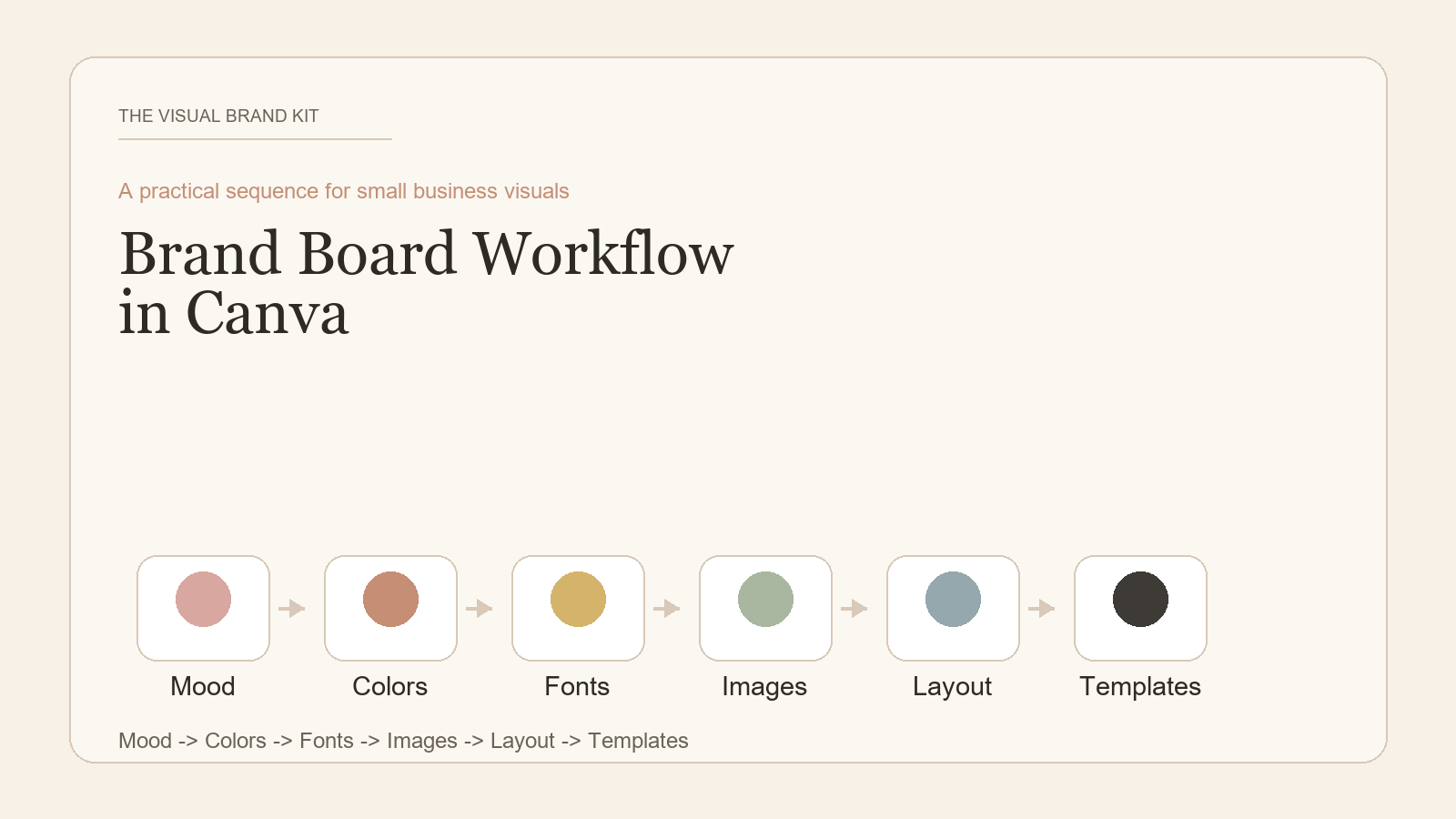
Here is a simple step-by-step process you can use inside Canva. The goal is to build a working reference you can open before designing new graphics, not a complicated design system.
Set Up the Board
- Open Canva and create a blank document. Start with a blank presentation, letter-size document or whiteboard. A presentation slide is usually easiest for a simple one-page board, while a whiteboard gives you more space if you want to test ideas.
- Create separate sections on the page. Set up small areas for your business name or logo, colors, fonts, image style, graphic elements and layout examples. This makes the board easier to scan later.
- Add your business name or logo. Place it near the top. If you have logo variations, include only the versions you actually use in Canva designs.
Add the Core Visual Choices
- Add your color palette. Create small color blocks and label each one with a hex code if you have it. Mark which color is primary, secondary, accent and neutral so you know how to use the palette in templates.
- Add your font pairings. Show your heading font, body font and any accent font with short sample text. Write the font name next to each sample so you do not have to guess later.
- Add example images or mood direction. Include a few visual references or write simple mood words that describe the image style you want. You can also add notes like bright natural light, neutral backgrounds, close-up details or clean workspace images.
Make It Reusable
- Add simple graphic elements. Place a few lines, shapes, frames or patterns that match your style. Use elements you can realistically repeat in Pinterest pins, lead magnets, pricing guides and client-facing PDFs.
- Add one or two layout examples. Create a small sample direction for the next asset you plan to design, such as a Pinterest pin, lead magnet cover, pricing guide or Instagram post. Keep it simple and focus on structure.
- Save your brand board as a reusable reference. Keep it in a dedicated Canva folder and open it before creating new templates. Duplicate the board when you want to test a new visual direction without losing your current version.
Optional Creative Fabrica Templates to Start Your Brand Board
You can build a brand board from a blank Canva page, but an editable template can save setup time. These three options range from a simple one-page reference to a longer brand-guidelines presentation.
Affiliate note: This section contains affiliate links. If you buy through them, The Visual Brand Kit may earn a commission at no extra cost to you. Read the full disclosure.
Brand Board Canva Template, Branding Kit
A fully editable one-page Canva board for organizing a logo, fonts, colors, and photos. It is a useful shortcut when you want a compact working reference instead of a longer brand document.
Brand Style Board Canva Template
A clean minimalist one-page layout with editable text, fonts, images, and colors. The resource also lists a step-by-step Canva guide, making it a practical alternative for beginners.
Brand Guidelines Canva Presentation
A 15-slide Canva presentation for documenting a brand in more detail. Consider this after the one-page board is clear and you need more room to explain how the visual system should be used.
Product contents can change. Check the current product page and Creative Fabrica license before downloading or using a resource in client or commercial work.
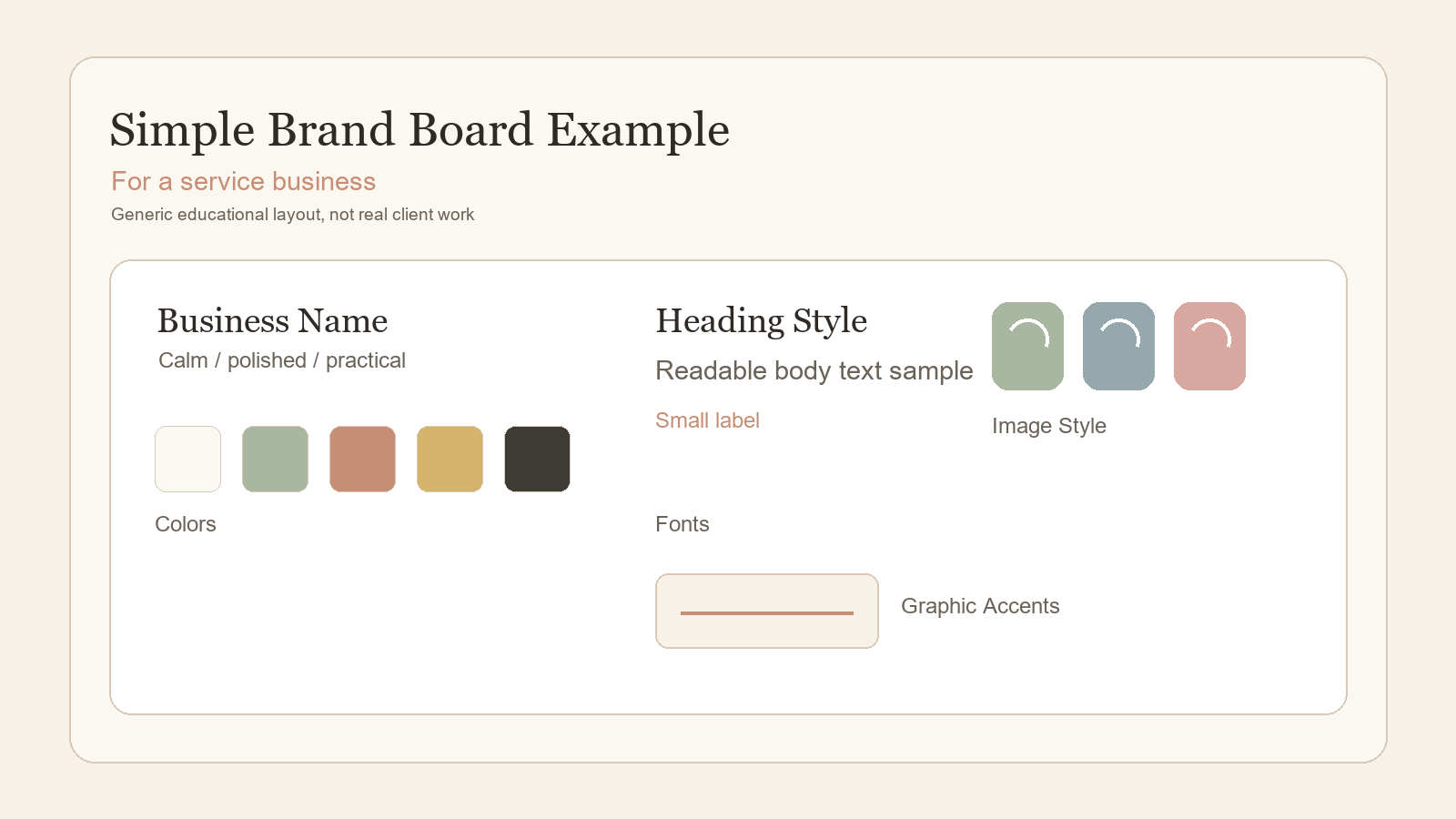
Example: Brand Board for a Service Business
Imagine an esthetician who wants her marketing materials to feel calm, polished and trustworthy. Her Canva brand board might include a soft neutral color palette, one clean heading font, one readable body font, close-up skin care imagery, simple line dividers and a layout direction for service menus and Pinterest pins.
When she creates an Instagram post, Pinterest graphic, pricing guide, treatment menu or client care PDF, she can use the same colors, fonts and image style instead of starting from scratch. The result is not a complicated brand identity system. It is a practical reference that helps every visual feel like it belongs to the same business.
Simple Brand Board Tips for Non-Designers
- Keep it simple. A clear brand board with fewer choices is more useful than a crowded board you never reference.
- Use fewer colors. Most small business Canva systems work better with a tight palette than with ten competing colors.
- Choose readable fonts. Decorative fonts can look interesting, but they are not always practical for pricing guides, Pinterest pins, service menus or educational content.
- Make it useful, not perfect. Your brand board should help you create faster and more consistently. It does not need to impress another designer.
- Update it as your business grows. Your first version is a working reference. You can refine colors, fonts, images and templates later.
Common Mistakes to Avoid
A brand board should make your design decisions easier. These mistakes usually make the process harder than it needs to be.
- Choosing too many colors. If every design uses a different color combination, your visuals will not feel connected.
- Mixing too many fonts. Limit your core fonts so your Canva designs look more consistent across different formats.
- Copying another brand too closely. Use inspiration to understand style direction, but do not make your board look like another business. Your visuals should support your own positioning and audience.
- Treating a brand board like a final legal brand identity. A Canva brand board is a practical design reference. It is not a trademark search, licensing review or legal approval for logos, fonts, templates or AI-generated elements. If a legal or commercial-use question matters for your business, check official terms or ask a qualified professional.
- Designing templates before clarifying basic visual direction. If your colors, fonts and image style are unclear, your templates will probably feel inconsistent too.
Best For / When to Get Extra Help
A simple Canva brand board is best for early-stage or solo service businesses that need more consistency across everyday marketing materials. It works well if you are creating your own Pinterest pins, lead magnets, client PDFs, pricing guides, social posts or simple website graphics.
You may want extra professional help if you are preparing for trademark work, a major rebrand, packaging, product labels, complex logo systems or a larger identity system. A designer can help with visual strategy and execution, and a qualified legal professional can help with trademark or commercial-use questions.
Next Step: Use a Brand Kit Checklist
Before you design more Canva templates, Pinterest pins or marketing materials, use a simple checklist to clarify the visual brand basics your small business actually needs.
The future Free Small Business Brand Kit Checklist will help you organize your colors, fonts, visual direction and reusable design decisions before you build more assets.
FAQ
Can I create a brand board in Canva for free?
Yes, you can create a simple brand board in Canva for free. You can use a blank document, add text, color blocks and simple design elements, then save the board as a reference. Some fonts, images, templates or features may require a paid Canva plan. Always check Canva’s current terms and the license details for any paid, third-party or AI-generated elements you use.
What size should a brand board be in Canva?
There is no single required size. A presentation slide, letter-size document or custom horizontal canvas can all work. Choose a size that lets you see your logo or business name, colors, fonts, image direction and graphic elements without feeling cramped.
Is a brand board the same as a brand kit?
Not exactly. A brand board is usually a visual one-page reference. A brand kit can be broader and may include saved logos, colors, fonts, templates, usage notes and other reusable assets. For a small business, the brand board can be the first step toward a more complete brand kit.
Do I need a designer to create a brand board?
No, you can create a basic brand board yourself if you need a practical visual reference for everyday Canva designs. A designer can help if you need a more custom identity, advanced brand system or legal/trademark-sensitive logo work, but a simple brand board is a reasonable starting point for many small business owners.