Etsy Digital Product Mockups on Creative Fabrica: What to Use for Each Product Type
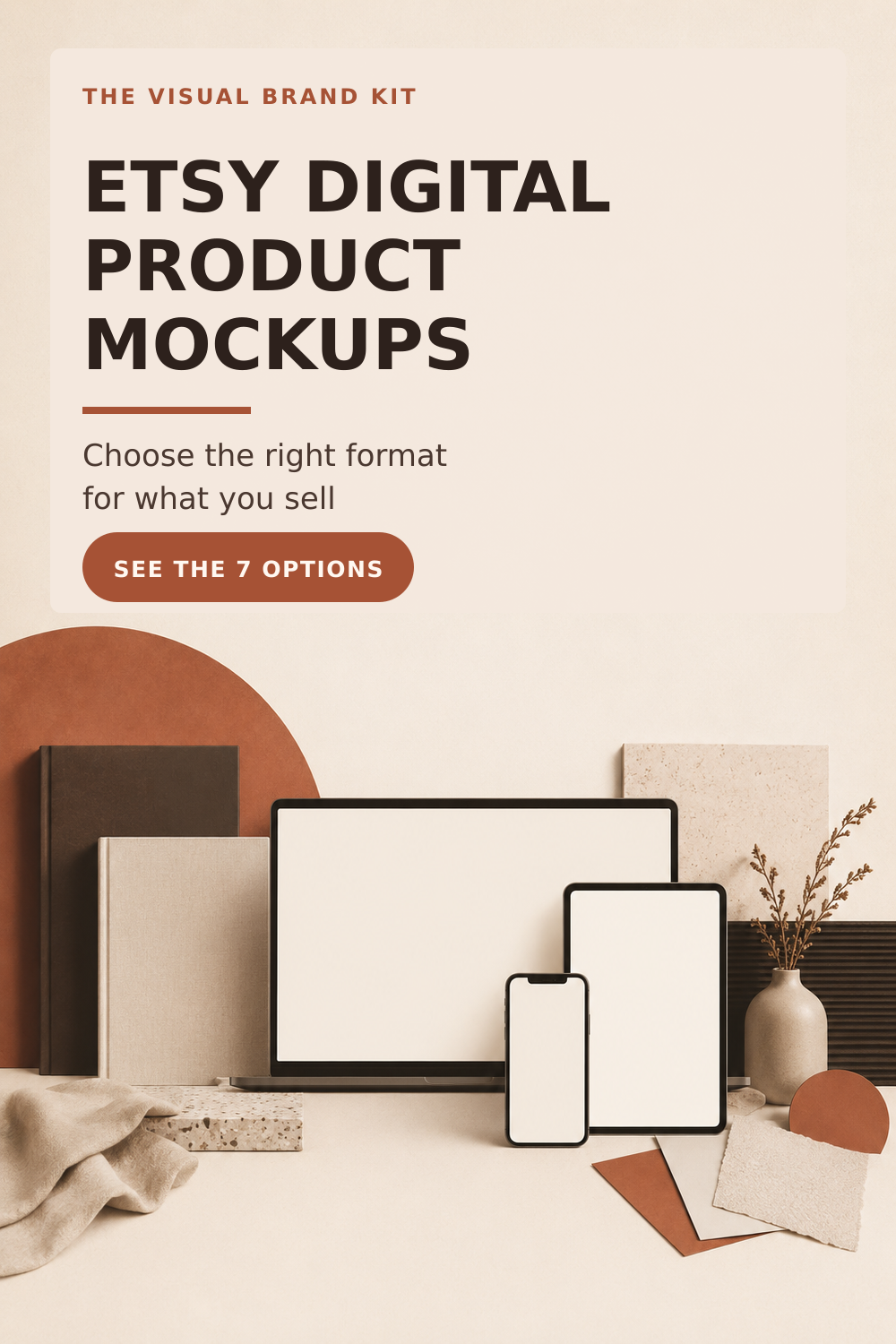
Etsy digital product mockups help shoppers understand a download before they buy it, but the useful format depends on what you sell. A vertical planner needs a different presentation from an ebook, a Notion dashboard, a pattern pack, or printable wall art.
This guide matches seven current Creative Fabrica mockup resources to specific Etsy digital-product types. It also explains what to check before choosing a template and how to combine a mockup with a complete listing-image sequence.
Affiliate disclosure: I may earn a commission if you purchase through links in this post, at no extra cost to you. Read our Affiliate Disclosure.
Quick Answer: Which Etsy Digital Product Mockup Should You Use?
Start with the format your buyer needs to recognize. Then check the image dimensions, device orientation, Canva requirements, crop safety, and the information pages included in the template.
| If you sell | Useful presentation format | Current Creative Fabrica option | Check before choosing |
|---|---|---|---|
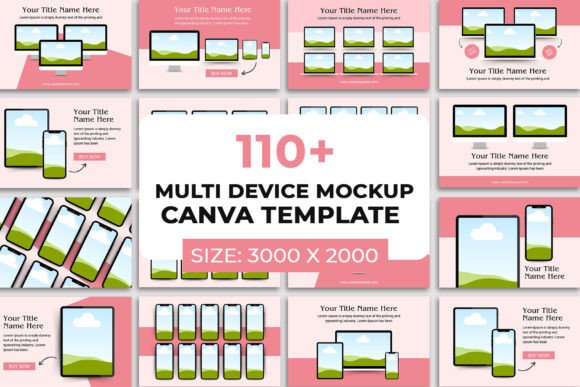
| Canva templates, courses, websites, or screen-based products | Multi-device scenes | 110 Multi Device Mockup Canva Templates | The product page says the template works in Canva on the web, not the app |
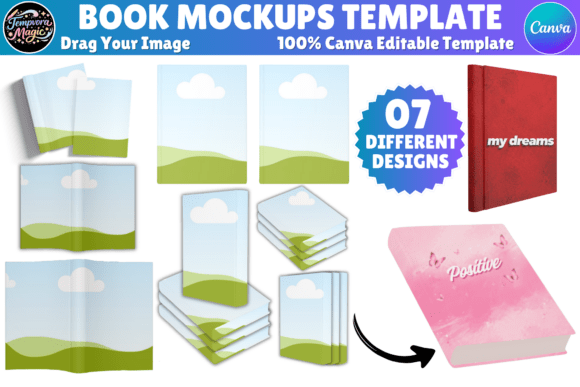
| Ebooks, workbooks, guides, or magazines | Open-book and cover mockups | Canva Editable Book Mockups Template | Some included elements use Canva Pro |
| Vertical digital planners or journals | Portrait iPad mockups | Portrait Digital Planner Listing Mockup | The device frame is designed for portrait planners |
| Notion templates | Notion-specific covers, displays, and support pages | Notion Listing Mockup Canva Template V2 | Select the pages that match the actual dashboard and delivery process |
| Digital paper, textures, backgrounds, or pattern packs | Multi-pattern and multi-format previews | Etsy Digital Paper Mockup Canva Template | Show scale, color range, and what files are included |
| Printable wall art | Framed room scenes | Wall Art Product Mockups—Canva Template | Keep the artwork large enough to evaluate and label display-only props clearly |
| Printable invitations | Flat-card mockups | 30 Invitation Canva Mockup | Check that the card orientation and proportions match the invitation |
Need the full listing-image sequence, not only a mockup?
A mockup shows the product in context. It does not automatically explain the contents, benefits, file requirements, access steps, FAQs, or next action.
The TVBK kit includes 24 editable Canva Etsy listing image templates, a Customer Guide, and a Listing Image Planner. Use the pages your product needs, then place the selected mockups inside that wider buyer journey.
Before Choosing a Mockup: Check How Etsy Displays Listing Images
Etsy currently recommends listing images with both width and height at least 2,000 pixels. It also recommends a horizontal or square first image, a centered focal subject, and enough space around that subject to survive different thumbnail crops.
That means a template can meet the pixel recommendation and still create a weak first image if the product is too small, the most important text sits near an edge, or the mockup scene contains too many competing details.
Before committing to a mockup:
- Put the product—not the decoration—at the visual center.
- Preview the first image as a square, portrait, and landscape crop.
- Keep essential text and the main product view away from the edges.
- Use the same general image shape across the listing for a more consistent sequence.
- Export at a sufficiently high resolution and inspect the result after compression.
- Confirm whether the template needs Canva Free, Canva Pro, or desktop/web editing.
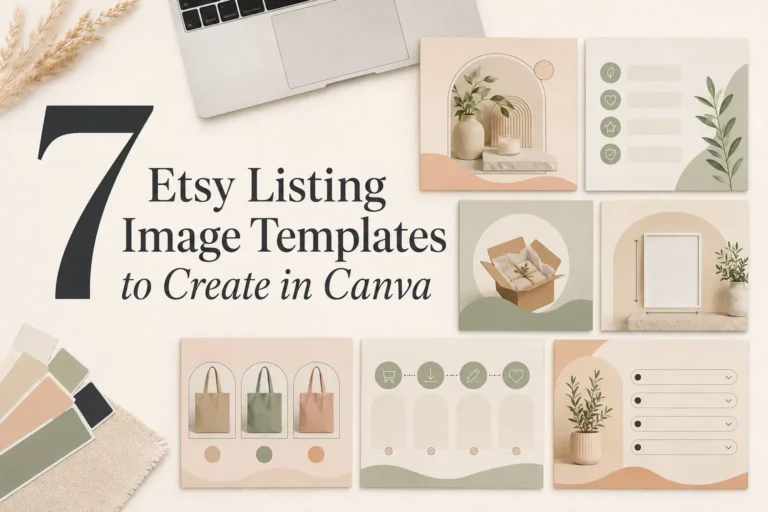
For a complete sequence beyond the mockup itself, read 7 Etsy Listing Image Templates to Create in Canva.
1. Multi-Device Mockups for Canva Templates, Courses, and Screen-Based Products
Featured resource: 110 Multi Device Mockup Canva Templates by Waliullah Solutions
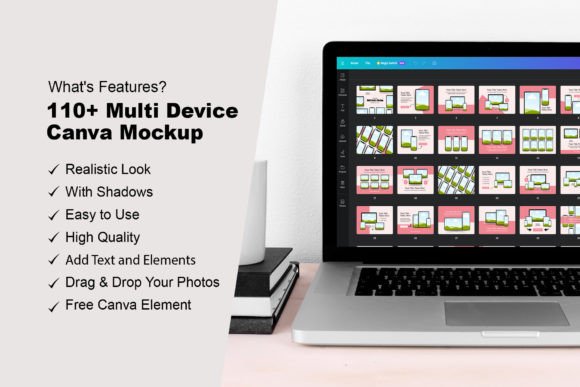
This resource is designed for products that need to appear across more than one screen. The current product page lists 110 editable multi-device layouts at 3,000 × 2,000 pixels. It states that the templates work with a free Canva account and use drag-and-drop frames for JPG or PNG designs.
Use it when
- the same product may be viewed on a laptop, tablet, and phone;
- you sell Canva templates, a course, a website resource, or another screen-based download;
- one device would hide an important part of the product experience.
Watch for
The product page states that the template works in Canva’s web version rather than the app. Check that this fits your workflow before downloading it.
A multi-device scene is most useful when every screen has a job. For example, the laptop can show the main dashboard, the tablet can show a worksheet, and the phone can show the mobile view. Repeating the same cover on every device adds less information.
2. Book Mockups for Ebooks, Workbooks, Guides, and Magazines
Featured resource: Canva Editable Book Mockups Template by Tempvora Magic
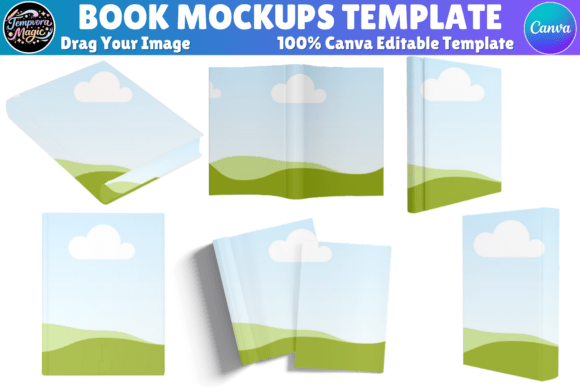
The current product page describes editable Canva mockups for open books, ebooks, workbooks, and magazines. The layouts use drag-and-drop editing for covers and page-based designs.
Use it when
- the cover is part of the product’s value;
- buyers need to see both the outside and inside of a guide or workbook;
- a flat PDF screenshot does not communicate the page-based format clearly.
Watch for
The seller states that some elements use Canva Pro. A Canva Free user can replace those elements, but that creates an extra editing step. Review the template before building the complete listing around it.
Use one image to establish the book format, then use separate listing pages for contents, sample spreads, file type, page count, printing or editing requirements, and access instructions. Do not force every detail into a single open-book scene.
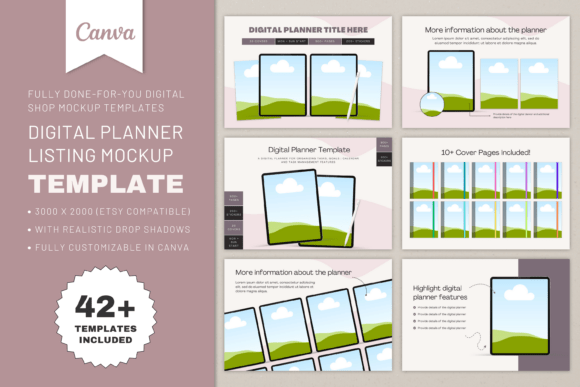
3. Portrait iPad Mockups for Vertical Digital Planners
Featured resource: Portrait Digital Planner Listing Mockup by DesignsbyDarowan
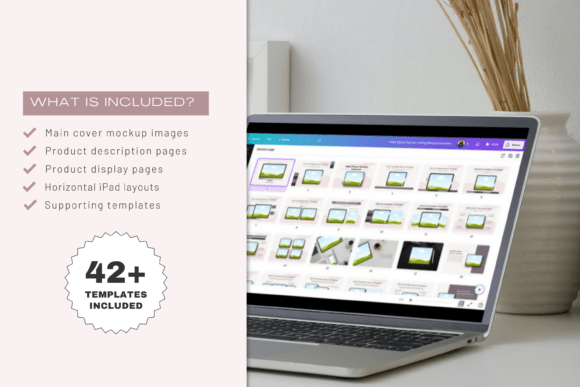
This Canva bundle uses a portrait iPad frame for vertical planners. The current product page lists a 3,000 × 2,000-pixel format and identifies layouts for cover, description, and support images.
Use it when
- the planner or journal is designed primarily for portrait use;
- buyers need to see the actual page orientation;
- a landscape tablet frame would shrink or distort the product.
Watch for
The device orientation is specific. If your product includes landscape dashboards or several orientation options, show those separately instead of implying that every page uses the portrait format.
The mockup can establish the device context, while additional listing pages should explain compatibility, linked navigation, included layouts, app requirements, and whether decorative elements or sample content are included.
4. Notion-Specific Mockups for Dashboards and Template Systems
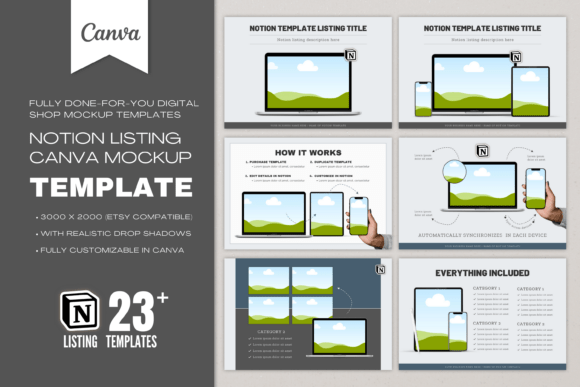
Featured resource: Notion Listing Mockup Canva Template V2 by DesignsbyDarowan
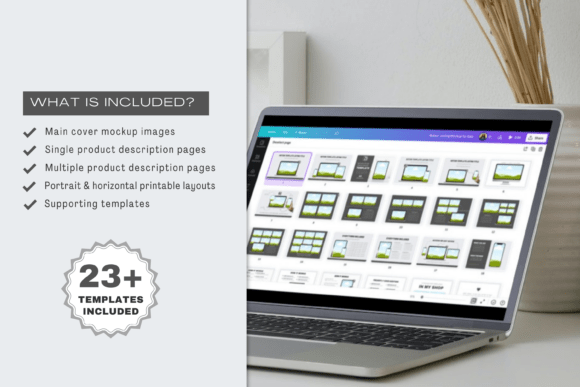
This product is built specifically for Notion template listings. The current page lists more than 24 Canva templates at 3,000 × 2,000 pixels: five cover mockup images, 12 product description or display images, seven support images, and a tutorial or guide.
Use it when
- a generic laptop mockup would not communicate the Notion structure;
- you need separate pages for the dashboard, features, delivery, and support;
- the product contains several linked views or databases.
Watch for
Do not show a dashboard configuration that the buyer will not receive. Use the mockup pages selectively and replace every placeholder with accurate information about the actual Notion template.
The strongest sequence usually moves from an overview to specific views, then explains duplication, access, requirements, and support. Keep interface screenshots large enough to understand without reading tiny text.
5. Digital Paper Mockups for Patterns, Textures, and Background Packs
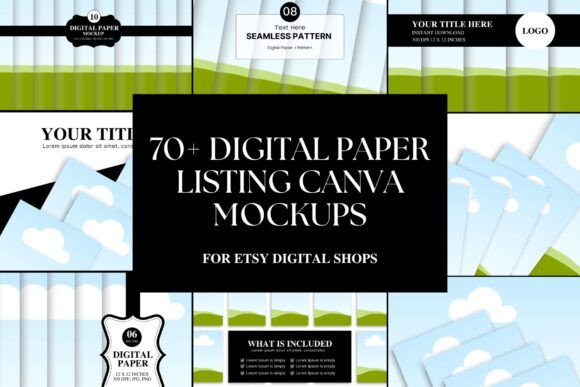
Featured resource: Etsy Digital Paper Mockup Canva Template by Business Chic Studio
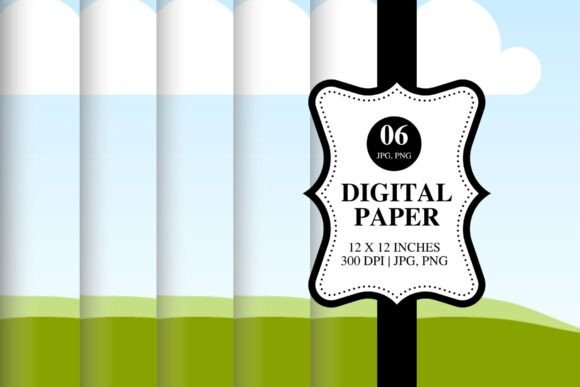
The current product page lists more than 70 editable Canva templates at 5,000 × 4,200 pixels. It includes portrait, landscape, and square formats for digital papers, backgrounds, textures, and related files, and states that the templates can be customized with Canva Free.
Use it when
- buyers need to compare several patterns or colorways;
- scale and repetition are difficult to understand from separate thumbnails;
- the pack contains several files that should be shown as one coordinated collection.
Watch for
A decorative mockup is not a substitute for accurate package details. Include separate information about the number of files, dimensions, resolution, file formats, seamless or non-seamless construction, and permitted use.
Use the first image to show the collection clearly. Later images can zoom into individual patterns, demonstrate scale, and show representative use cases without implying that display-only objects are included.
6. Wall-Art Mockups for Printable Art
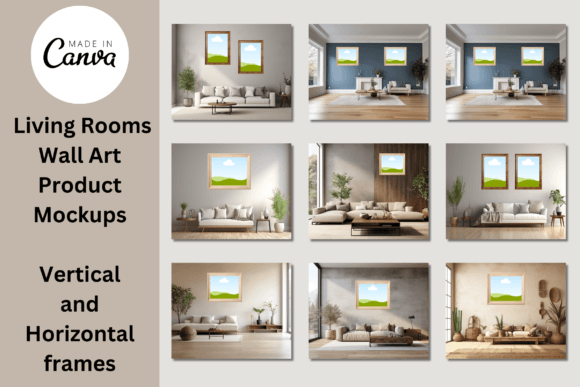
Featured resource: Wall Art Product Mockups—Canva Template by Niki Lyn Digital Design
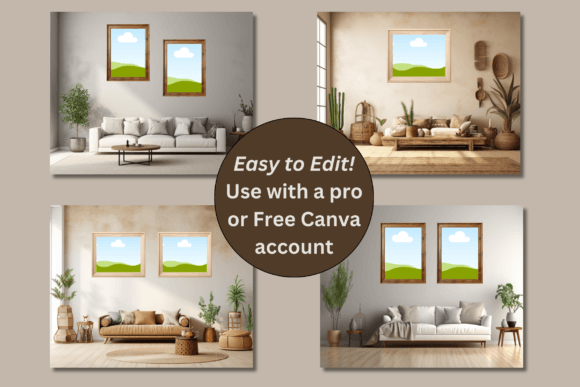
The current product page lists 10 drag-and-drop wall-art mockups in boho living-room scenes, each sized at 2,500 × 2,000 pixels. It also describes three additional large-frame thumbnail options: one vertical, one horizontal, and one square.
Use it when
- buyers need to imagine printable art at room scale;
- the frame orientation is important;
- the same art is available in several aspect ratios.
Watch for
The current product description says the scenes feature vertical frames of different sizes. Check that your artwork and available print ratios fit the selected frame rather than stretching the design.
Room scenes establish context, but they can also make the artwork too small. Use at least one closer frame view, keep display-only furnishings visually secondary, and explain that the buyer receives a digital file rather than a framed physical item.
7. Invitation Mockups for Printable Cards
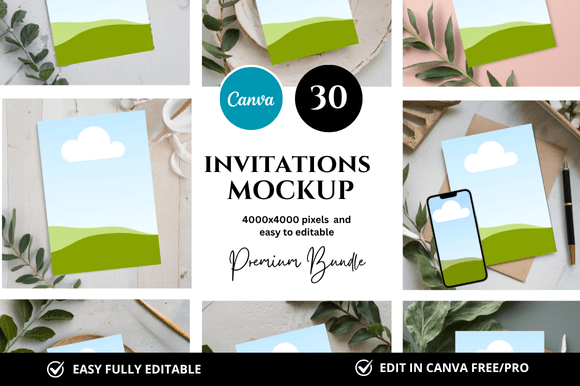
Featured resource: 30 Invitation Canva Mockup by FolieDesign
The current product page identifies this as a set of 30 invitation Canva mockup templates in a 4,000 × 4,000-pixel format.
Use it when
- you sell wedding, birthday, party, shower, or event invitations;
- the product needs a card-specific presentation rather than a book or device scene;
- the design includes a front and back or several coordinated pieces.
Watch for
Match the mockup to the actual invitation orientation and proportions. A square listing image can contain a portrait or landscape card, but the card itself should not be stretched to fit the frame.
Show the main invitation first, then clarify editable fields, included sizes, file formats, printing options, matching pieces, and whether the customer edits the file or receives a customized export.
A Mockup Is One Page of the Buyer Journey
A mockup answers a visual question: “What does this product look like in context?” An Etsy listing also needs to answer practical questions:
- What exactly is included?
- Who is the product for?
- What problem does it help with?
- Which files, dimensions, or formats will the buyer receive?
- Does the buyer need Canva Free, Canva Pro, Notion, a planner app, or another tool?
- How is the product accessed?
- What may the buyer do with the files?
- Is the item digital or physical?
- What should the buyer do next?
This is why a mockup resource and a listing-image system are complementary rather than interchangeable. Place the mockup inside a sequence with a clear product hero, benefits, contents, specifications, access steps, FAQs, and a focused CTA.
Build the complete sequence in Canva
The Etsy Listing Image System for Canva includes:
- 24 editable square Canva templates at 2,000 × 2,000 pixels;
- a six-page Customer Guide;
- a seven-page Listing Image Planner;
- layouts for the promise, benefits, contents, details, access, FAQs, and next step.
Choose only the pages your product needs, then add the most suitable mockup to the product-led sections.
Canva, License, and Export Checklist
Before using any Creative Fabrica resource in a commercial listing:
- open the current product page and confirm what is included;
- check whether the template uses Canva Free or Canva Pro content;
- review the current Creative Fabrica license that applies to the download;
- do not resell, redistribute, or share the original editable files or Canva template link;
- replace every placeholder with your own accurate product content;
- make sure the finished listing does not suggest that display-only objects are included;
- export the finished images and check them at Etsy thumbnail size;
- retain the source page and license details with your product records.
Creative Fabrica’s license terms can change, so review the current license for your exact download and intended use rather than relying on a summary in an older article.
Frequently Asked Questions
Do I need both a mockup and listing image templates?
Not every listing needs both, but they solve different problems. A mockup presents the product visually. A listing-image system organizes the promise, contents, requirements, access, FAQs, and next action. Use both when the product needs context and explanation.
What size should an Etsy listing image be?
Etsy currently recommends that listing images have both width and height of at least 2,000 pixels. It also recommends a horizontal or square first image and enough space around the subject for different thumbnail crops. Check Etsy’s current guidance before exporting.
Can I use these mockups with Canva Free?
It depends on the product. The multi-device and digital-paper product pages state that they work with Canva Free. The book mockup page warns that some elements use Canva Pro and may need to be replaced. Confirm the current requirements on the exact product page before choosing.
Can I resell a Creative Fabrica mockup template after editing it?
Do not resell, share, or redistribute the downloaded editable template or Canva link as your own template. Review Creative Fabrica’s current license for the end products you may create and for any product-specific restrictions.
Should the first Etsy image contain a mockup?
Use a mockup when it makes the product immediately easier to recognize. Keep the product large, the focal point centered, and the composition simple enough to survive thumbnail crops. If the scene makes the product harder to see, use a cleaner product-led image first and move the lifestyle mockup later in the sequence.
Final Recommendation
Choose the mockup by product type, not by the size of the bundle. A useful template should match the product’s format, orientation, and buyer questions while leaving enough room for clear listing information.
For screen-based products, use a multi-device or platform-specific presentation. For ebooks and planners, match the page and device orientation. For digital paper, wall art, and invitations, choose a format that shows scale and proportions accurately.
Then build the rest of the buyer journey around the mockup. If you want a ready-to-edit system for that sequence, use the 24-page Etsy Listing Image System.
Official Resources
- Etsy image requirements and best practices
- Creative Fabrica Subscription License
- Creative Fabrica Single Sales License
- Creative Fabrica Affiliate Terms