8 Christmas Brand Color Palettes in Canva for Small Businesses
A Christmas color palette works best when it supports your existing brand instead of temporarily replacing it. You do not need to use every traditional holiday color at once. A small system of one background neutral, one primary color, one accent, and one readable text color can make a seasonal Etsy banner, product listing image, email graphic, or Pinterest Pin feel intentional and still recognizable as your business.
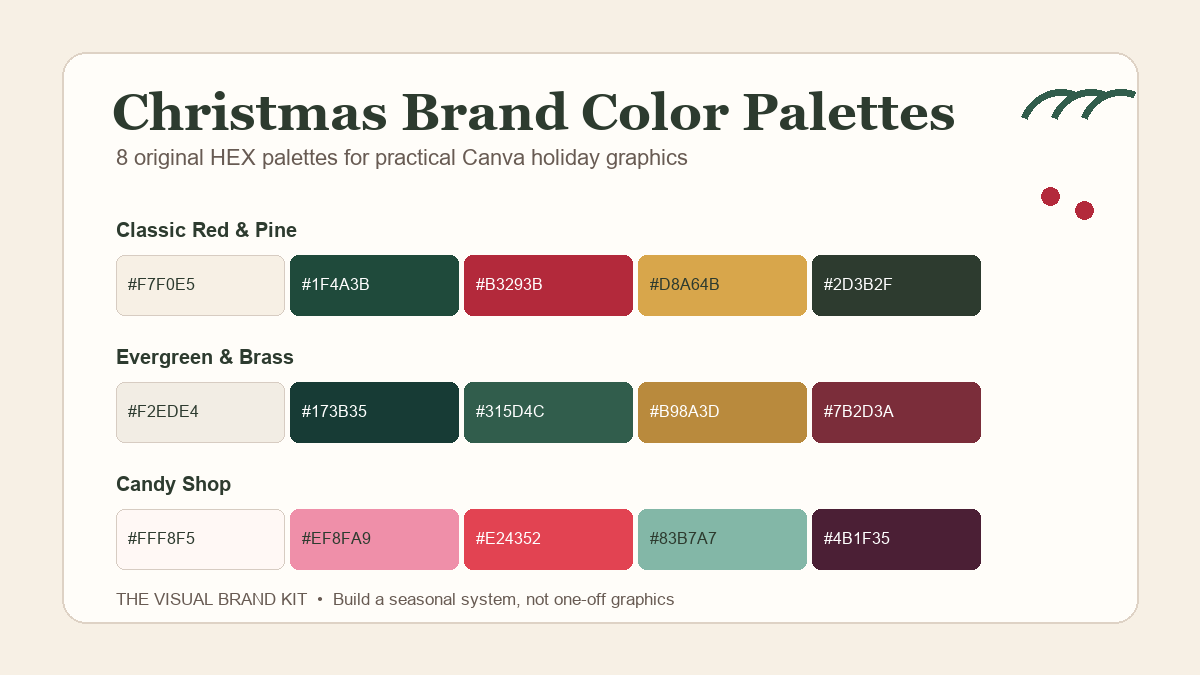
Below are eight original Christmas brand color palettes with HEX codes you can add to a Canva design. Each one is paired with a practical direction for a small business, so you can choose a mood before you begin designing.
Disclosure: This article contains affiliate links. If you make a purchase through one of these links, The Visual Brand Kit may earn a commission at no extra cost to you. Recommendations are selected for editorial relevance. Product availability, included files, subscription access, and license terms can change. Review the current product page and applicable license before downloading or using a resource for business or client work. Read the full Affiliate Disclosure.
Quick Answer: Start With a Mood, Then Assign Each Color a Job
Choose a palette that already fits your business personality. A bakery or handmade shop may want a warm cranberry-and-cream direction. A photographer, florist, or premium gift business may prefer deep evergreen with a quiet metallic-inspired accent. A playful family brand can use softer pinks and reds without losing the holiday feeling.
For each palette, use the lightest color as a background, the darkest color for important text, the mid-tone as a main brand color, and the brightest or warmest shade for buttons, sale badges, or small highlights. This is easier to repeat than choosing a new set of colors for every graphic.
| Palette | Best direction | Use the darkest color for | Use the accent for |
|---|---|---|---|
| Classic Red & Pine | Traditional and confident | Headlines and body text | Offers and small details |
| Cranberry Bakery | Warm, handmade, welcoming | Menu text and pricing | Product names and badges |
| Evergreen & Brass | Quietly premium | Logo and key messages | Rules, stars, and buttons |
| Candy Shop | Playful and cheerful | Short headlines | Sticker-style callouts |
| Woodland Market | Natural and artisan | Information and labels | Handmade details |
| Icy Blue & Silver | Clean winter calm | Navigation and copy | Dividers and highlights |
| Black, Gold & Berry | Dramatic and gift-ready | Text on light backgrounds | Limited emphasis only |
| Winter Neutrals | Minimal and flexible | Text and line work | One warm seasonal cue |
8 Christmas Brand Color Palettes With HEX Codes
1. Classic Red & Pine
This is the most traditional direction in the guide, but the muted cream keeps it from feeling overly busy. It is a useful choice for product launches, holiday markets, gift guides, and established businesses that already use warm neutrals.
- Best for: bakeries, handmade gift shops, home goods, holiday markets, and community businesses.
- Try it in Canva: Use cream for the background, pine for a headline, red for the offer, and gold for a thin border or small star icon.
- Watch for: Red type over pine can vibrate at small sizes. Use cream or white around short red accents instead.
2. Cranberry Bakery
Cranberry and gingerbread brown create a warm seasonal look without requiring bright primary red. The soft blush adds a friendly, handmade note for businesses with product photography, menus, or giftable items.
- Best for: bakers, candle makers, knitwear sellers, cafés, ceramic artists, and gift box businesses.
- Try it in Canva: Set product-name text in cranberry, place prices in dark brown, and use blush for a simple circle behind a “limited batch” or “gift-ready” note.
- Watch for: Keep the coral-red accent to small areas so the palette stays warm instead of turning into a three-red design.
3. Evergreen & Brass
Use this palette when you want a seasonal campaign to feel polished, calm, and connected to a more refined brand. The brass-inspired gold is an accent, not a replacement for a readable text color.
- Best for: florists, photographers, jewelry brands, event professionals, boutique gifts, and premium services.
- Try it in Canva: Use the warm neutral behind a deep evergreen wordmark or campaign title. Reserve brass for a rule, icon, or single call-to-action button.
- Watch for: Gold-colored text becomes hard to read quickly. Keep it large and short, or use it only as decoration.
4. Candy Shop
A Christmas palette can be playful without using the same red and green combination everywhere. This mix brings in peppermint pink and a softened red while the dark berry keeps headlines legible.
- Best for: family brands, children’s products, cookie shops, party businesses, playful stationery, and cheerful gift campaigns.
- Try it in Canva: Build a pale background, use dark berry for the main message, then create one pink or red sticker-style shape for the offer.
- Watch for: Do not put pink body copy on white. Use dark berry for details customers need to scan.
5. Woodland Market
Woodland Market is a softer alternative to the classic Christmas scheme. It suits businesses that use natural materials, organic textures, or muted product photography and want one seasonal accent without a full visual reset.
- Best for: handmade goods, soaps, food gifts, woodworkers, plant shops, craft sellers, and cozy local businesses.
- Try it in Canva: Use muted green for labels, dark moss for text, and terracotta for a small holiday delivery deadline or gift-wrap callout.
- Watch for: The olive and khaki shades are close in value. Separate them with the pale neutral rather than layering one on top of the other.
6. Icy Blue & Silver
This palette creates a winter campaign without depending on Christmas red. It can work especially well for a business that already uses cool colors, clean product photography, or a more minimal visual identity.
- Best for: service businesses, winter events, photographers, wellness brands, planners, and modern gift guides.
- Try it in Canva: Use dark blue for all essential copy, pale blue for shape backgrounds, and silver gray for dividers or minimal snowflake icons.
- Watch for: Silver is not a substitute for dark text. Use it as a detail against white or pale blue.
7. Black, Gold & Berry
For a gift-focused launch, a black-and-berry base can feel more dramatic than a traditional palette. The blush neutral softens the contrast and gives product photos or text blocks somewhere to rest.
- Best for: jewelry, beauty, cocktail events, premium stationery, evening offers, and curated gift collections.
- Try it in Canva: Put black text on blush, create one berry sale badge, and use gold only for a line, star, or very short highlight.
- Watch for: Avoid long gold paragraphs and black backgrounds filled with small berry text; both are harder to scan on a phone.
8. Winter Neutrals
Winter Neutrals are for brands that do not want a visibly Christmas-only identity. The palette can support a holiday campaign with a small muted berry accent, then continue into January without needing a full redesign.
- Best for: consultants, coaches, home brands, planners, wellness businesses, and minimal product lines.
- Try it in Canva: Build mostly with warm white, stone, and charcoal. Add muted berry only to a gift label, “holiday hours” note, or single seasonal icon.
- Watch for: Keep the hierarchy strong. A neutral palette still needs enough contrast between text, shapes, and the background.
How to Add a Christmas Palette in Canva
- Choose one palette before opening a new template. Start with the colors that match the business, not the trendiest combination in a search result.
- Create five small swatches. Add five simple rectangles to a working page. Select each one and enter or paste the HEX code in Canva’s color controls.
- Name the roles in plain language. Label the swatches Background, Primary, Accent, Supporting Neutral, and Text. Roles are easier to reuse than a list of codes alone.
- Make one mini brand board. Place the palette next to a logo, two type styles, a sample product photo, and a simple offer badge. This makes it easier to see whether the holiday choices still fit the permanent brand.
- Test a real customer-facing graphic. Build one Etsy listing image, email header, social post, or Pinterest draft. Review it at phone size before applying the palette across a whole campaign.
For a broader starting point, use our guide to creating a brand board in Canva. If your holiday campaign also needs a seasonal type direction, see Christmas Canva font pairings for small business.
Optional Creative Fabrica Resources for Building a Palette Library
The eight palettes above are original TVBK examples. If you want a larger reference library to compare directions, these Creative Fabrica listings may be useful starting points. Check the live listing, included files, license, and current Canva workflow before you download or buy anything.
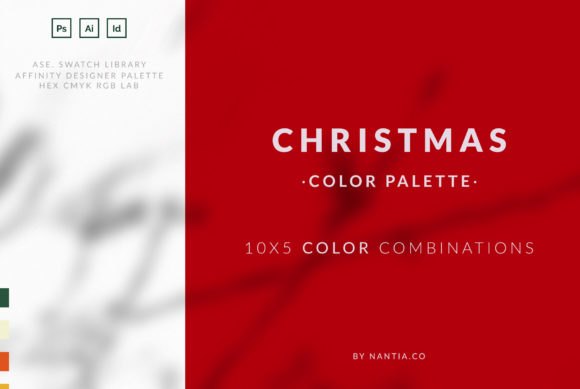
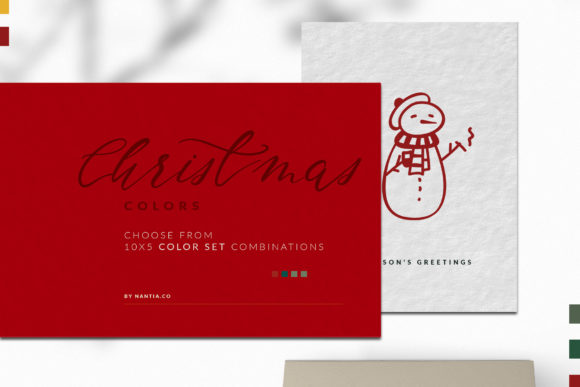
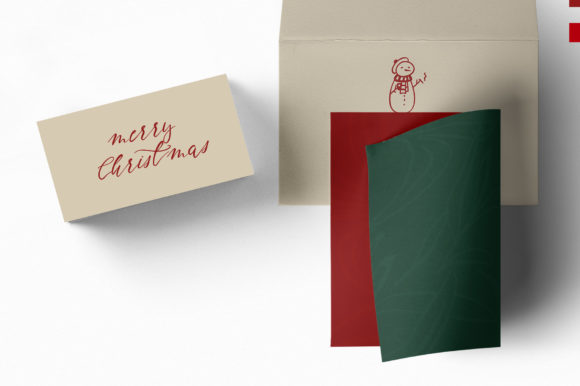
Christmas Color Palette — For a Focused Holiday Reference
This is a holiday-specific color-palette listing. It may be a useful reference when you want to compare a traditional Christmas direction with the more brand-led palettes above. Keep your final system limited to colors that work with your existing logo, product photos, and readable text.
View Christmas Color Palette on Creative Fabrica →
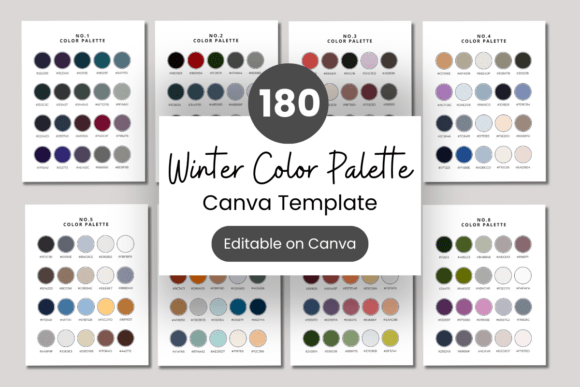
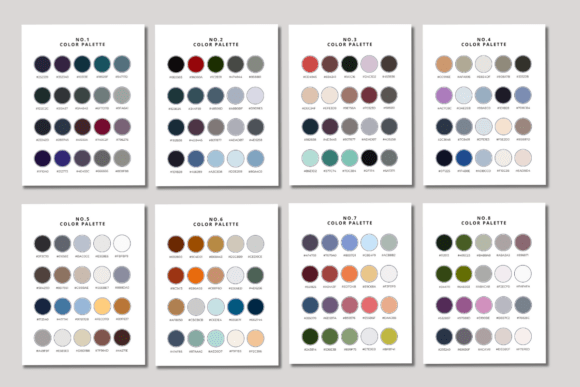
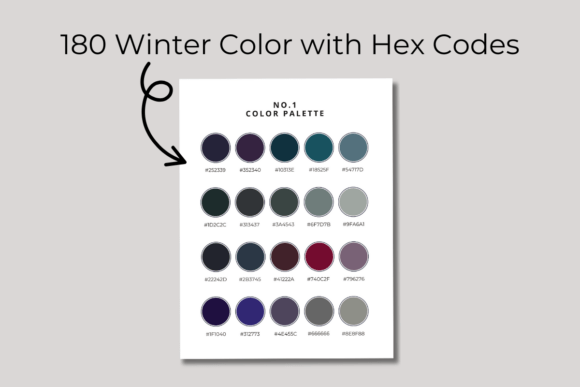
Winter Color Palette With HEX Codes — For Many Editable Options
This listing describes a collection of 180 winter palettes with HEX codes in an editable Canva template. It is best suited to a business that wants to compare many cool-toned directions, then document one final palette rather than changing colors from graphic to graphic.
View Winter Color Palette With HEX Codes on Creative Fabrica →
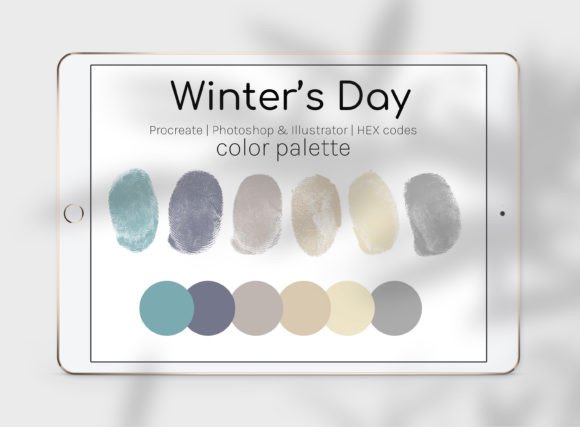
Winter’s Day Color Palette — For a Single Cool-Toned Starting Point
This six-shade palette includes a JPG that shows HEX codes, along with files for selected design applications. It is a simpler option when you want one cool winter direction to test against a current brand rather than a large collection of alternatives.
View Winter’s Day Color Palette on Creative Fabrica →
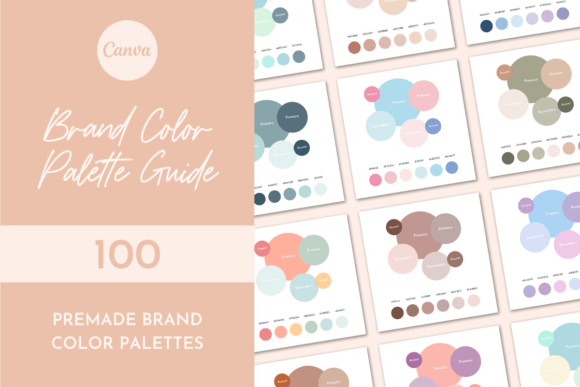
Brand Color Palette Guide — For a Larger Brand-Color Library
This guide describes 100 premade six-color palettes with HEX codes and a bonus Canva palette template. It is not limited to Christmas, which makes it useful if you want a seasonal accent system that can still connect to the rest of your year-round visual identity.
View Brand Color Palette Guide on Creative Fabrica →
Christmas Palette Checklist Before You Publish a Graphic
- The palette still feels connected to the permanent brand.
- There is one light background and one reliably dark text color.
- The accent color is used for emphasis, not for every element.
- Prices, dates, shipping notes, and calls to action are readable at phone size.
- Product photos do not clash with the selected colors.
- The same palette is documented in a mini brand board or working Canva page.
- Any external resource has been checked on its current product page and against the applicable license.
Final Thoughts
You do not need a completely new brand for Christmas. Start with one of these palettes, assign each color a role, and test it on the exact kind of graphic customers will see. A small, repeatable system is more useful than a new holiday look for every post.
Affiliate and workflow note: The Creative Fabrica links above are affiliate links. Product availability, subscription access, included files, and license terms may change. Review the current product page and license before use. Do not redistribute original downloaded files or assume that a customer, client, or template recipient automatically receives the same access. A resource recommendation does not guarantee trademark suitability, exclusive rights, or compatibility with every Canva plan or workflow.