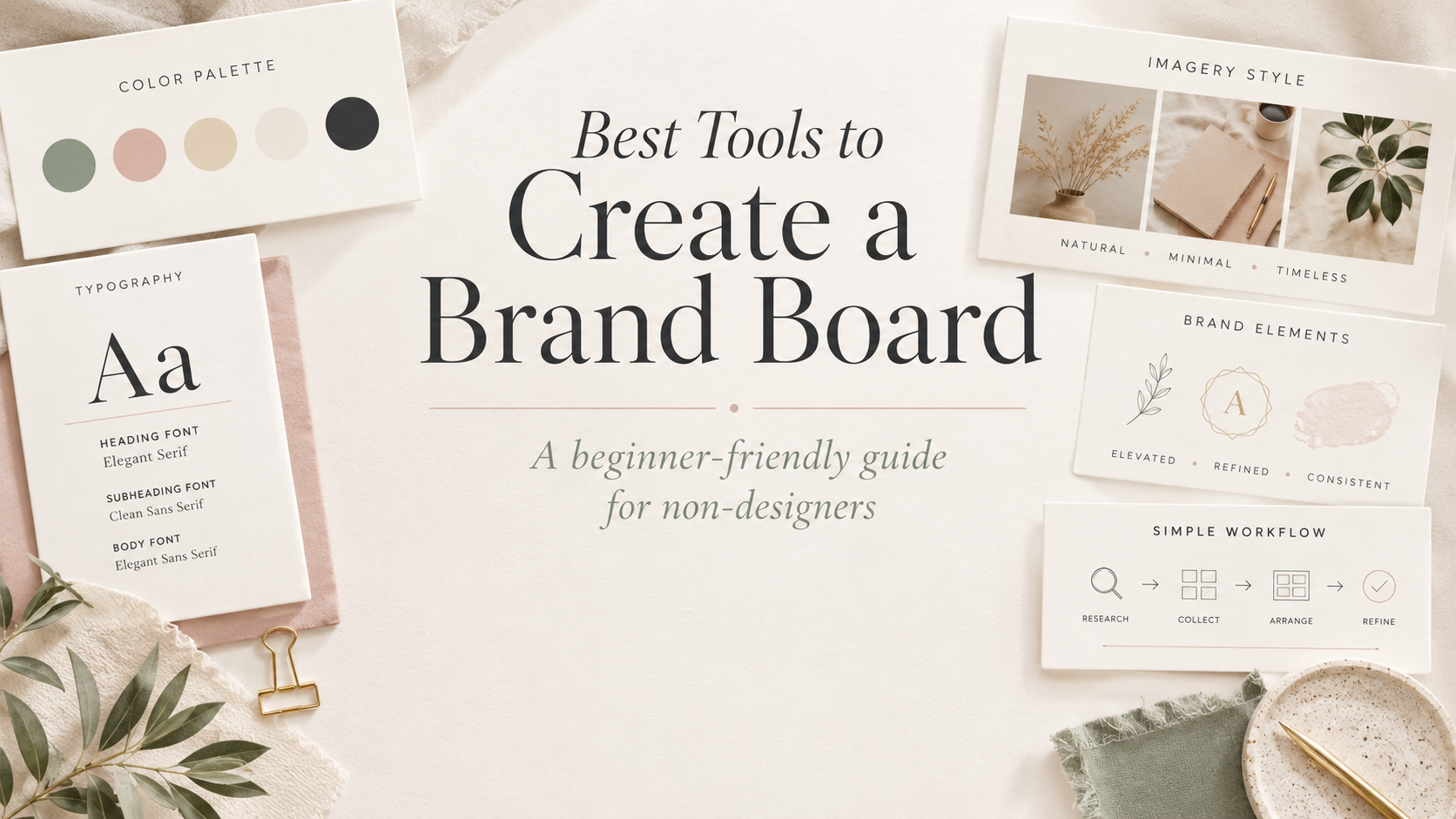
Best Tools to Create a Brand Board Without a Designer
Updated July 2026
Brand board ideas are helpful when you are trying to define the look and feel of your business. But once you have a few visual directions in mind, the next question usually becomes: which tool should you actually use to create the brand board?
If you are a non-designer small business owner, you do not need a complicated professional design setup to get started. You need a practical tool that helps you organize your colors, fonts, images, graphic accents, and overall visual direction in one place.
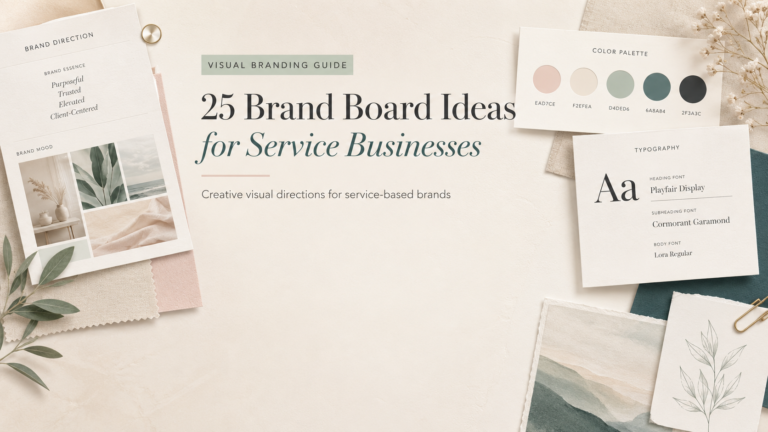
If you are still deciding what your brand could look like, start with these brand board ideas for service businesses first. Then come back here when you are ready to choose the best tool for building your own.
Quick Answer
The best starting tool for most beginners is Canva because it is simple, visual, and easy to use for everyday small business branding. But depending on your style, workflow, and next step, other tools may be useful too.
| Need | Best starting tool |
|---|---|
| Simple beginner brand board | Canva |
| More polished typography or graphics | Kittl |
| Simple brand kit workflow | Adobe Express |
| Fonts and graphic elements | Creative Fabrica |
| Affordable design assets | Design Bundles |
| Visual direction and inspiration | |
| Lead magnets and email assets | MailerLite |
Who This Is For
This guide is for small business owners who want a clearer visual brand without hiring a designer right away.
It is especially useful if you are a:
- Coach
- Consultant
- Esthetician
- Beauty professional
- Wellness professional
- Freelancer
- Photographer
- Service business owner
- Non-designer business owner building your own brand visuals
The goal is not to collect every possible design tool. The goal is to choose the tool that helps you make your next branding decision: clarify your direction, build your board, find supporting assets, or apply your brand visuals to real marketing materials.
What You Need Before Choosing a Brand Board Tool
Before you choose a tool, it helps to know what you are trying to build. A design tool can help you arrange your visuals, but it cannot automatically solve unclear brand direction.
Before opening Canva, Kittl, Adobe Express, or any other design platform, clarify a few basics:
- Your brand personality words
- Your main colors
- Your heading and body font direction
- Your image style
- Where your brand board will be used
- What your brand should avoid looking like
For example, a wellness coach may want a calm, grounded, spacious visual direction. A beauty professional may want something polished, editorial, and warm. A photographer may want a brand board that feels refined but still personal. Those decisions matter before the tool.
Before you choose a tool, get your brand basics organized.
Download the Free Small Business Brand Kit Checklist to clarify your colors, fonts, image direction, and visual priorities.
Best Tools to Create a Brand Board Without a Designer
You do not need every tool on this list. Most small business owners can start with one design tool, one place to collect inspiration, and one simple checklist.
Think of these tools as options for different parts of the process: planning your direction, building the actual brand board, finding supporting assets, and applying your visuals to real business materials.
1. Canva — Best Starting Point for Simple Brand Boards
Canva is usually the best starting point for simple brand boards because it is beginner-friendly and easy to use, even if you do not think of yourself as a designer.
You can use Canva to create a one-page brand board with your colors, fonts, logo direction, image examples, patterns, icons, and sample layouts. It is especially useful for service business owners who need their brand visuals to show up consistently across social posts, Pinterest pins, client PDFs, lead magnets, and simple marketing materials.
Best for:
- Beginners creating their first simple brand board
- Service business owners who need practical, repeatable visuals
- Canva templates, Pinterest graphics, PDFs, and lead magnet layouts
Not best for:
- Businesses that need a fully custom brand identity system
- Owners who have not chosen a visual direction yet
- Highly specialized typography or illustration-heavy concepts
Canva’s main strength is ease. It helps you move from scattered ideas to a usable one-page visual reference quickly. The limitation is that it does not automatically create a clear brand direction for you. It gives you the space and tools to build the board, but you still need to make decisions about your style, colors, fonts, and overall visual message.
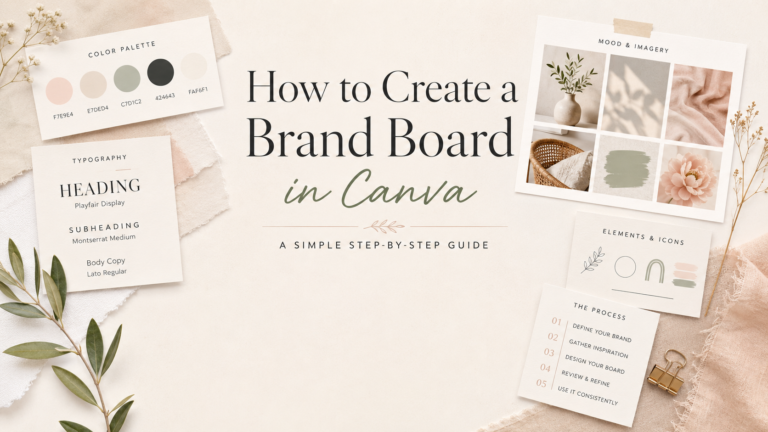
If you want a step-by-step process, use this guide on how to create a brand board in Canva.
You can also explore more Canva-focused resources in the Canva hub.
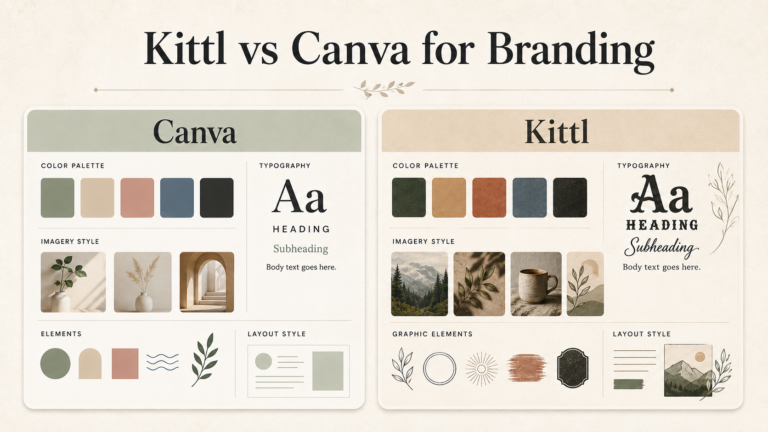
2. Kittl — Best for Polished Typography and Creative Brand Graphics
Kittl can be useful when you want stronger typography, more creative graphics, or a more distinctive visual style.
It may be a good fit for boutique service brands, creative freelancers, personal brands, and businesses that want their visuals to feel more custom than a basic template. Kittl can be especially helpful for exploring expressive type, badges, labels, decorative elements, and polished graphic compositions.
Best for:
- More polished typography
- Boutique, creative, or personality-led brands
- Graphic accents, badges, labels, and expressive brand elements
Not best for:
- Beginners who only need a simple one-page brand board
- Business owners still choosing their basic brand direction
- Everyday template production if another tool already handles that well
Kittl’s strength is visual personality. It can help a brand board feel more distinctive, especially when typography and graphic style matter. The limitation is that not every beginner needs that extra layer on day one. If your immediate goal is simply to organize your brand basics, Canva may be enough. Kittl becomes more useful when you already have a direction and want to add extra polish.
3. Adobe Express — Best for Simple Brand Kit Workflows
Adobe Express can be a useful option if you already use Adobe tools or prefer to keep your design workflow inside the Adobe ecosystem.
It can help with simple branded content workflows, social graphics, basic design assets, and repeated visual layouts. For some small business owners, Adobe Express may feel like a natural fit if they already use Adobe products or want a straightforward way to create branded materials.
Best for:
- Business owners already using Adobe tools
- Simple brand kit and content workflows
- Repeating brand visuals across lightweight marketing assets
Not best for:
- People who already feel comfortable and organized in Canva
- Owners looking for a dramatic style upgrade by default
- Businesses that need advanced custom design systems
Adobe Express is best understood as an alternative, not a universal replacement for Canva. Its strength is workflow fit, especially for users already comfortable with Adobe products. Its limitation is that it may not be necessary if your current tool already helps you create and repeat your visuals consistently.
The best tool is the one you will actually use consistently.
4. Creative Fabrica — Best for Fonts and Visual Elements
Creative Fabrica can be useful for finding fonts, icons, illustrations, decorative elements, and other visual assets that support your brand board.
This can help when your brand needs more personality than the default assets inside your main design tool. For example, you may use it to find a font direction, a subtle illustration style, or small graphic accents for a brand board.
Best for:
- Exploring font options
- Finding icons, illustrations, and decorative elements
- Adding supporting visual details to an existing brand direction
Not best for:
- Choosing your whole brand direction from scratch
- Collecting random assets without a clear style filter
- Using assets commercially without reviewing current license terms
Creative Fabrica’s strength is variety. It can give you more visual options when your main design tool feels too limited. The limitation is that more options can also make your brand feel scattered if you do not have a clear direction first.
Always check the current license terms before using fonts, graphics, templates, or AI-generated assets commercially.
5. Design Bundles — Best for Affordable Design Assets
Design Bundles can be useful if you want affordable fonts, graphic bundles, seasonal assets, or accents for Canva layouts and brand boards.
It can be a helpful place to look for supporting assets when you already know your brand direction. For example, you might use a small pattern, a typeface, or a seasonal graphic element to support your visuals.
Best for:
- Affordable font and graphic asset browsing
- Seasonal or campaign-specific accents
- Supporting details for Canva layouts and brand boards
Not best for:
- Building an entire brand around a random bundle
- Replacing clear brand strategy with asset collecting
- Using assets commercially without reviewing current license terms
Design Bundles’ strength is accessibility and variety. It can help you find useful supporting elements without making your main design tool do everything. The limitation is that a bundle is not a brand direction. Your assets should support your brand, not lead it.
Always check the current license terms before using fonts, graphics, templates, or AI-generated assets commercially.
6. Pinterest — Best for Collecting Visual Direction Before Designing
Pinterest is not the final design tool for your brand board. It is a visual research tool.
Before you design anything, Pinterest can help you notice what you are drawn to: colors, layouts, typography, photography style, mood, spacing, and overall visual direction. This is especially helpful if you feel unsure what you want your brand to look like.
Best for:
- Collecting visual inspiration before designing
- Noticing color, layout, typography, and image style patterns
- Clarifying the mood you want your brand to create
Not best for:
- Creating the final brand board file
- Copying another business’s brand board directly
- Replacing your own brand decisions
Pinterest’s strength is pattern recognition. It helps you see what visual direction you keep returning to. The limitation is that inspiration can become overwhelming if you save too much without making decisions.
Use Pinterest for direction, not copying. Look for patterns across multiple examples and translate those ideas into something that fits your own business.
If you are still in the inspiration stage, go back to these brand board ideas for service businesses and save the ideas that feel closest to your brand.
7. MailerLite — Best for Turning Your Brand Board Into Lead Magnets and Email Assets
MailerLite does not create your brand board. It helps you apply your brand board after your visual direction is clear.
Once you know your colors, fonts, image style, and basic layout direction, you can use that information across your email signup forms, confirmation emails, checklist delivery, email layouts, and simple lead magnet workflows.
Best for:
- Applying your brand board to signup forms
- Delivering lead magnets
- Keeping email layouts visually consistent
Not best for:
- Designing the brand board itself
- Choosing your brand colors, fonts, or visual direction
- Replacing a design tool like Canva, Kittl, or Adobe Express
MailerLite’s strength is application. It helps you turn your brand direction into a real audience touchpoint. The limitation is that it should come after your visual choices are clear, not before.
This matters because a brand board is only useful if you can repeat it. Once your visuals are organized, you can apply them to the places where your audience actually interacts with your business.
For more resources around building a practical visual brand system, visit the Branding hub or explore the AI Design Tools hub.
Which Brand Board Tool Should You Start With?
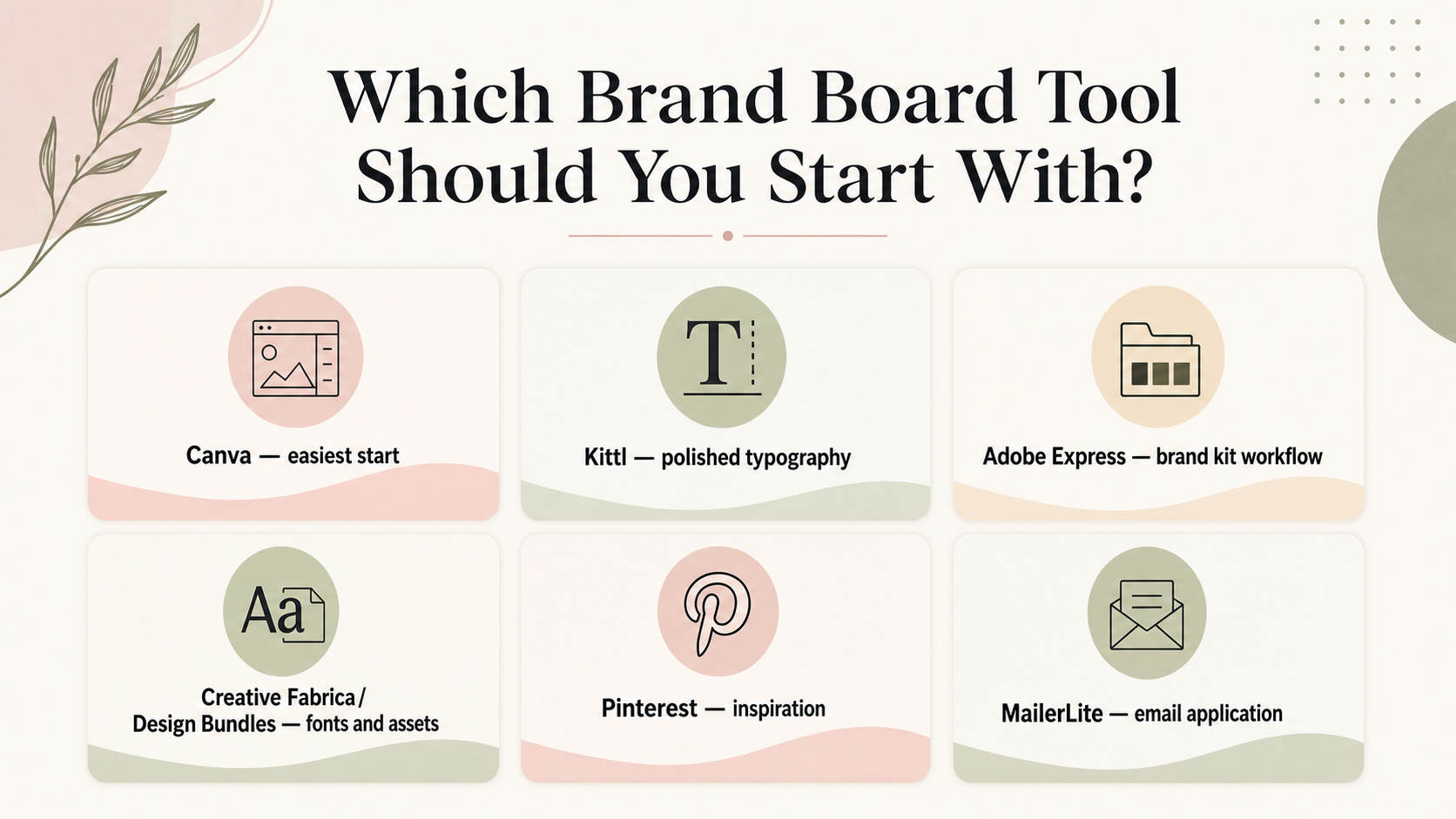
Start with the simplest tool that solves your next problem. You can always add more tools later.
| Situation | Start with |
|---|---|
| You want the easiest beginner option | Canva |
| You want more polished typography | Kittl |
| You already use Adobe tools | Adobe Express |
| You need fonts or graphics | Creative Fabrica or Design Bundles |
| You are still choosing a visual direction | |
| You want to use your brand board in email forms and lead magnets | MailerLite |
If your brand direction is still unclear, start with Pinterest and a checklist. If you already know the look you want, start building in Canva or Adobe Express. If your brand needs more distinctive typography or graphics, add Kittl later.
The best choice is the tool that helps you make progress now. You do not need to upgrade or pay for more tools before you know what problem you are solving.
A Simple Brand Board Workflow for Non-Designers
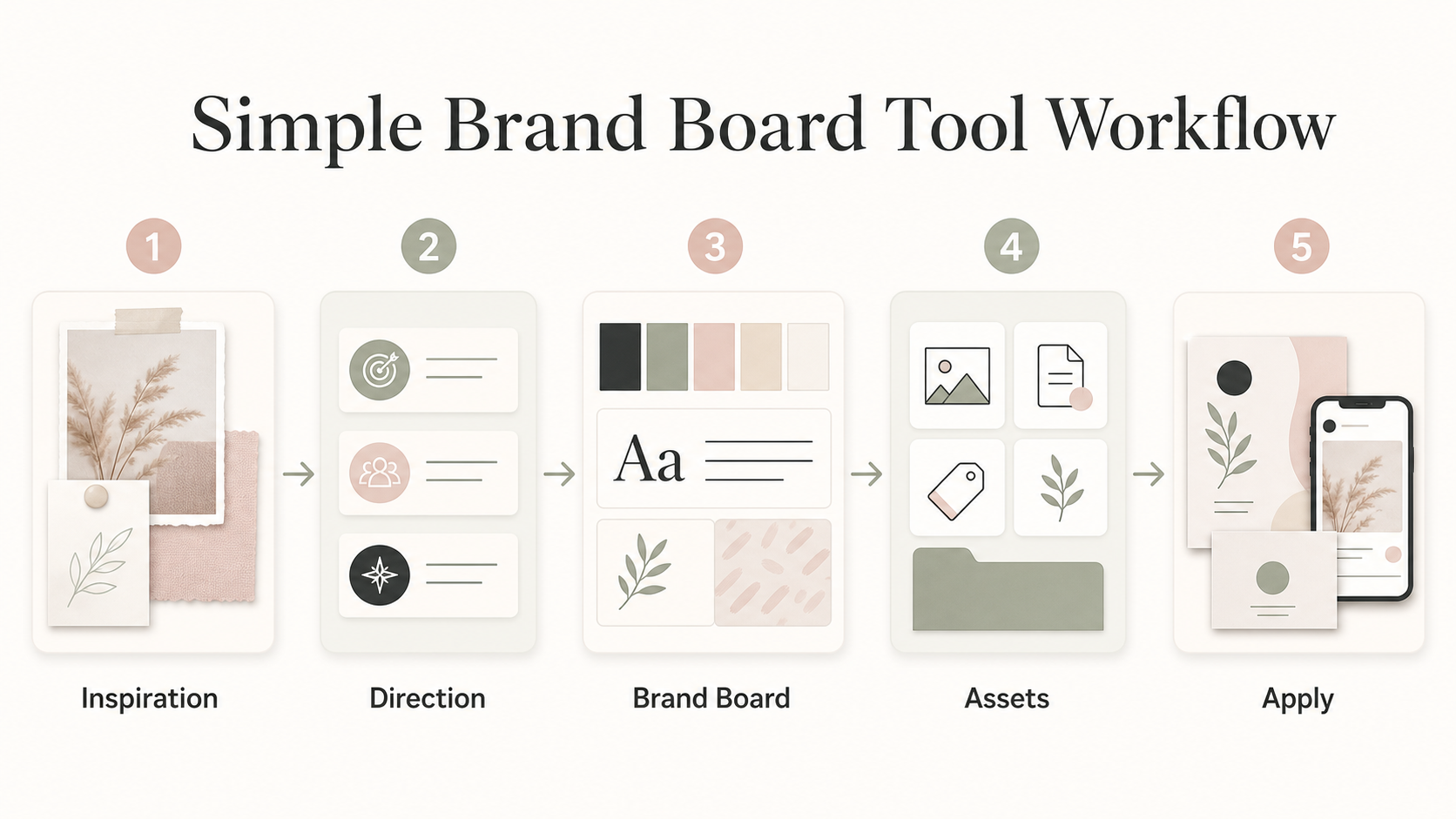
Here is a simple workflow you can follow without overcomplicating the process:
- Save 10–20 inspiration examples on Pinterest.
- Choose 3–5 brand personality words.
- Pick a simple color direction.
- Choose one heading font and one body font.
- Build a one-page brand board in Canva or Adobe Express.
- Add stronger typography or graphics in Kittl if needed.
- Use Creative Fabrica or Design Bundles only for supporting assets.
- Apply the brand board to a Pinterest pin, lead magnet, and email form.
This workflow keeps the process practical. You are not trying to create a huge brand identity system on day one. You are creating a usable visual reference that helps you make better design decisions across your business.
Always check the current license terms before using fonts, graphics, templates, or AI-generated assets commercially.
Not sure which tool fits your brand direction?
Use the checklist to decide what you actually need before paying for another design tool.
Common Mistakes When Choosing Brand Board Tools
Choosing tools before choosing a brand direction
A tool can help you build faster, but it cannot decide what your brand should feel like. Choose your direction first, then choose the tool that supports it.
Saving too many fonts and graphics
Too many options can make your brand feel scattered. Start with one heading font, one body font, a small color palette, and a few supporting elements.
Copying Pinterest inspiration too closely
Pinterest is helpful for research, but your final brand board should not copy another business directly. Look for patterns, then create your own version based on your audience and offer.
Using pale colors that are hard to read
Soft colors can look beautiful, but they need enough contrast to work in real designs. Check how your colors look on text, buttons, forms, PDFs, and social graphics.
Buying design assets without checking the license
Always check the current license terms before using fonts, graphics, templates, or AI-generated assets commercially. This is especially important before using assets in client work, products, templates, or downloadable materials.
Creating a brand board you cannot repeat
A brand board should help you create consistent visuals. If it only looks good as a one-page mood board but does not translate into Canva templates, Pinterest graphics, lead magnets, client PDFs, or email forms, simplify it.
What to Do Next
If you are still choosing your visual direction, start with brand board ideas for service businesses first. Use that article to find a style that fits your business, audience, and offer.
If you already know the look you want, choose one tool and build a simple brand board. For many small business owners, that means starting with Canva and following a practical process like this guide on how to create a brand board in Canva.
Once your brand board is ready, use it across your Canva templates, Pinterest graphics, lead magnets, client PDFs, and email forms. The goal is not just to make something pretty. The goal is to make your brand easier to repeat.
If you are new here, visit Start Here for a simple path through The Visual Brand Kit resources.
Get the Free Small Business Brand Kit Checklist
Use the checklist to clarify your colors, fonts, image direction, and visual priorities before you choose another design tool.
FAQ
What is the easiest tool to create a brand board?
Canva is usually the easiest starting point for beginners because it is visual, template-friendly, and simple to use for everyday small business branding.
Can I create a brand board without hiring a designer?
Yes. You can create a simple brand board without hiring a designer, especially if you start with clear brand personality words, a simple color direction, font choices, image style, and examples of how your brand should look in use.
Do I need Canva Pro to create a brand board?
It depends on the features, assets, and workflow you need. Many people can start with a simple Canva setup, then upgrade only when they need specific features or assets that fit their workflow.
Is Kittl better than Canva for brand boards?
Not universally. Kittl can be stronger for typography and creative graphics, while Canva is often easier for templates and everyday use. The better choice depends on what you are trying to create.
Where can I find fonts for a brand board?
You can look at fonts inside Canva, Creative Fabrica, Design Bundles, or Adobe Fonts, depending on your workflow. Always check the current license terms before using fonts, graphics, templates, or AI-generated assets commercially.
Should I use Pinterest to make a brand board?
Use Pinterest for inspiration and visual direction, not as the final design tool. It is helpful for collecting colors, moods, image styles, layout ideas, and typography references before you build the actual brand board.
What should I include in a brand board?
A brand board usually includes colors, fonts, logo direction, image style, graphic accents, examples of use, and notes about what the brand should avoid. If you need inspiration, start with these brand board ideas for service businesses and use the Free Small Business Brand Kit Checklist to organize your choices.