
For digital product sellers
Turn your Etsy listing images into a clear buyer journey.
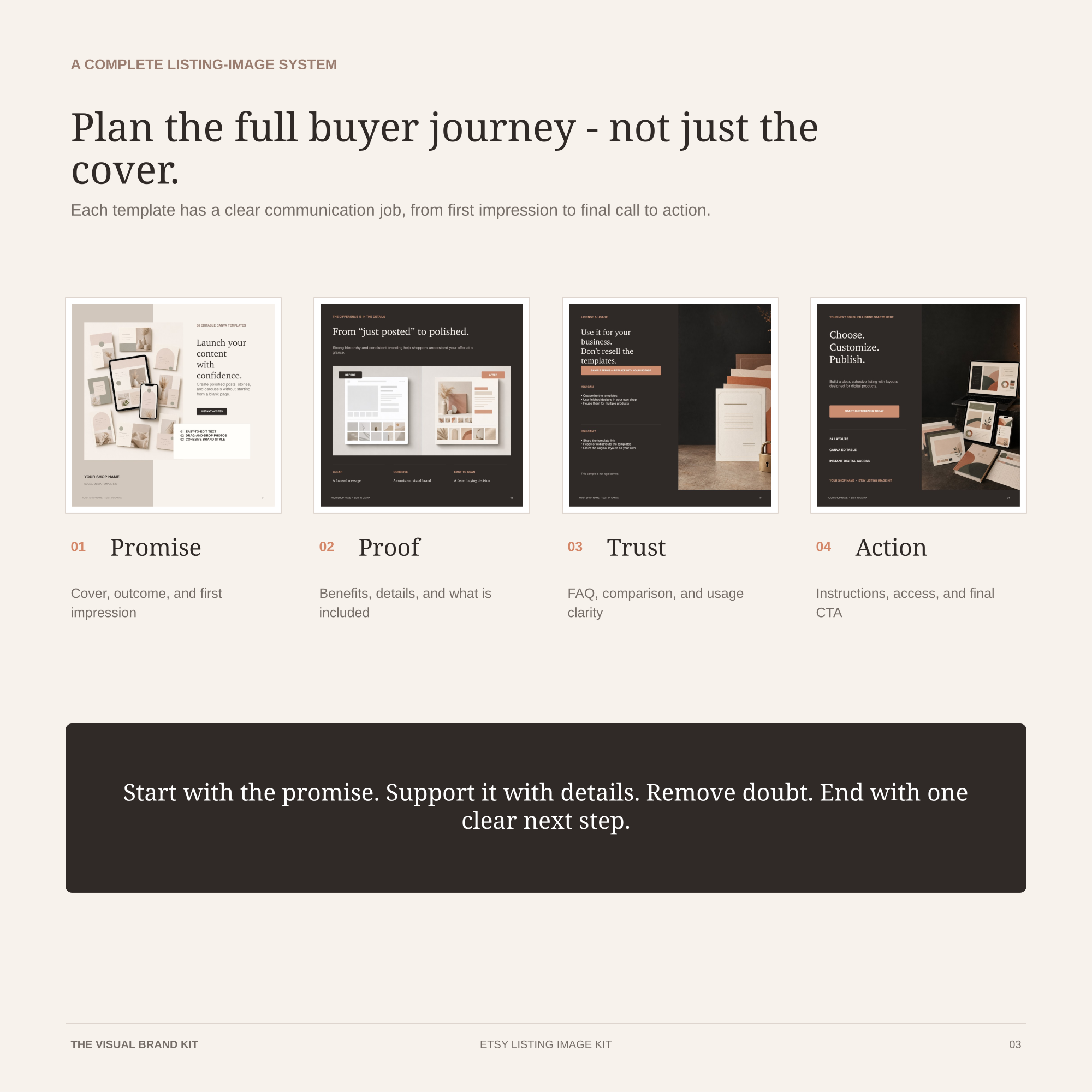
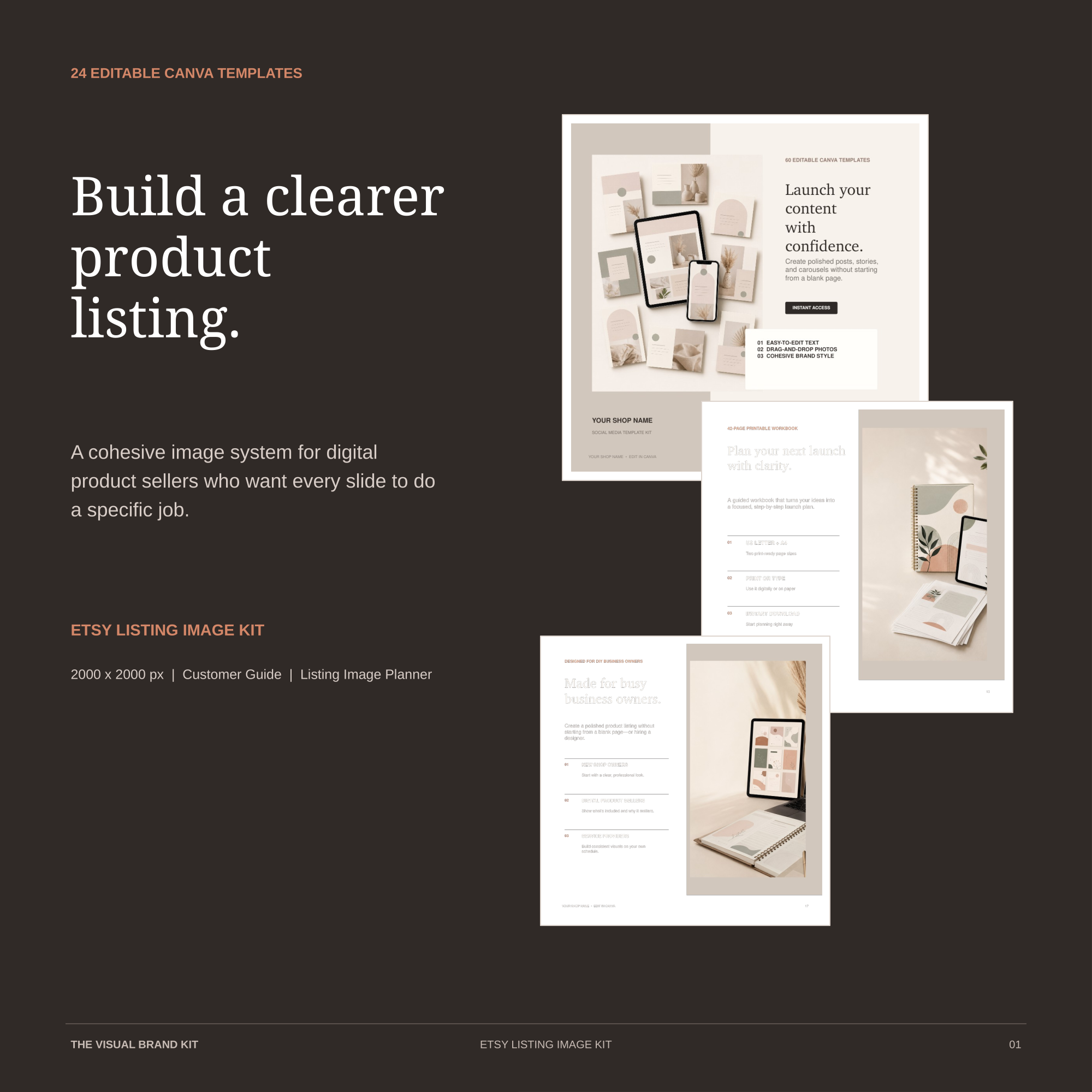
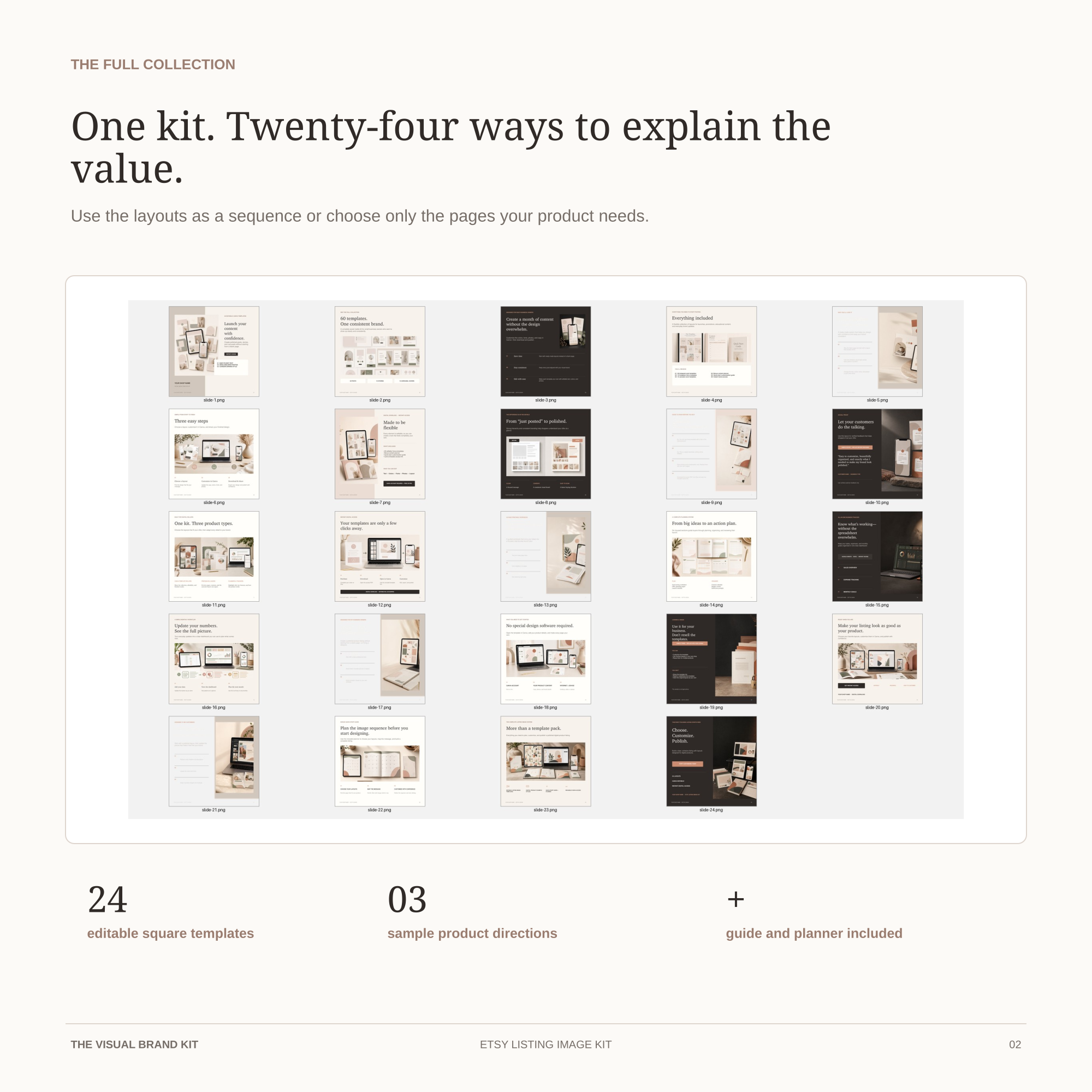
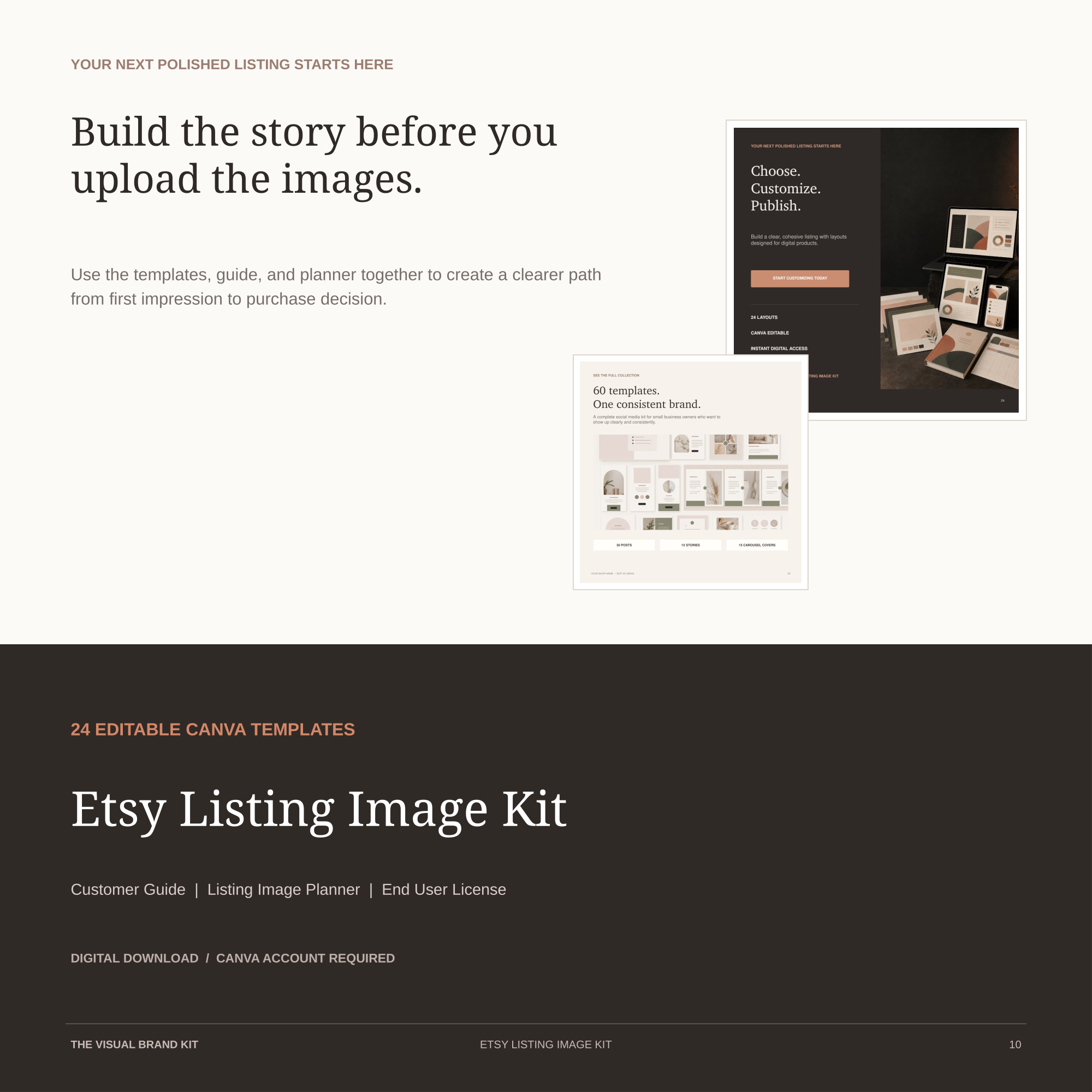
Use 24 editable square Canva templates to explain the promise, benefits, contents, details, access, FAQs, and next step—without designing every page from scratch.
- 24 editable templates
- 2000 × 2000 px
- Guide + planner included
A flexible listing system
Choose the pages your product needs.
You do not need to use every template in one listing. Select the layouts that make the product easiest to understand, then customize the text, colors, shop details, and replaceable images in Canva.
Lead with the main product outcome
Create a focused first impression before adding supporting details.
Show what is included
Use collection, feature, detail, benefit, and use-case layouts.
Answer practical questions
Explain requirements, access, compatibility, licensing, and FAQs.
End with a clear next step
Close the sequence with reassurance and a focused call to action.
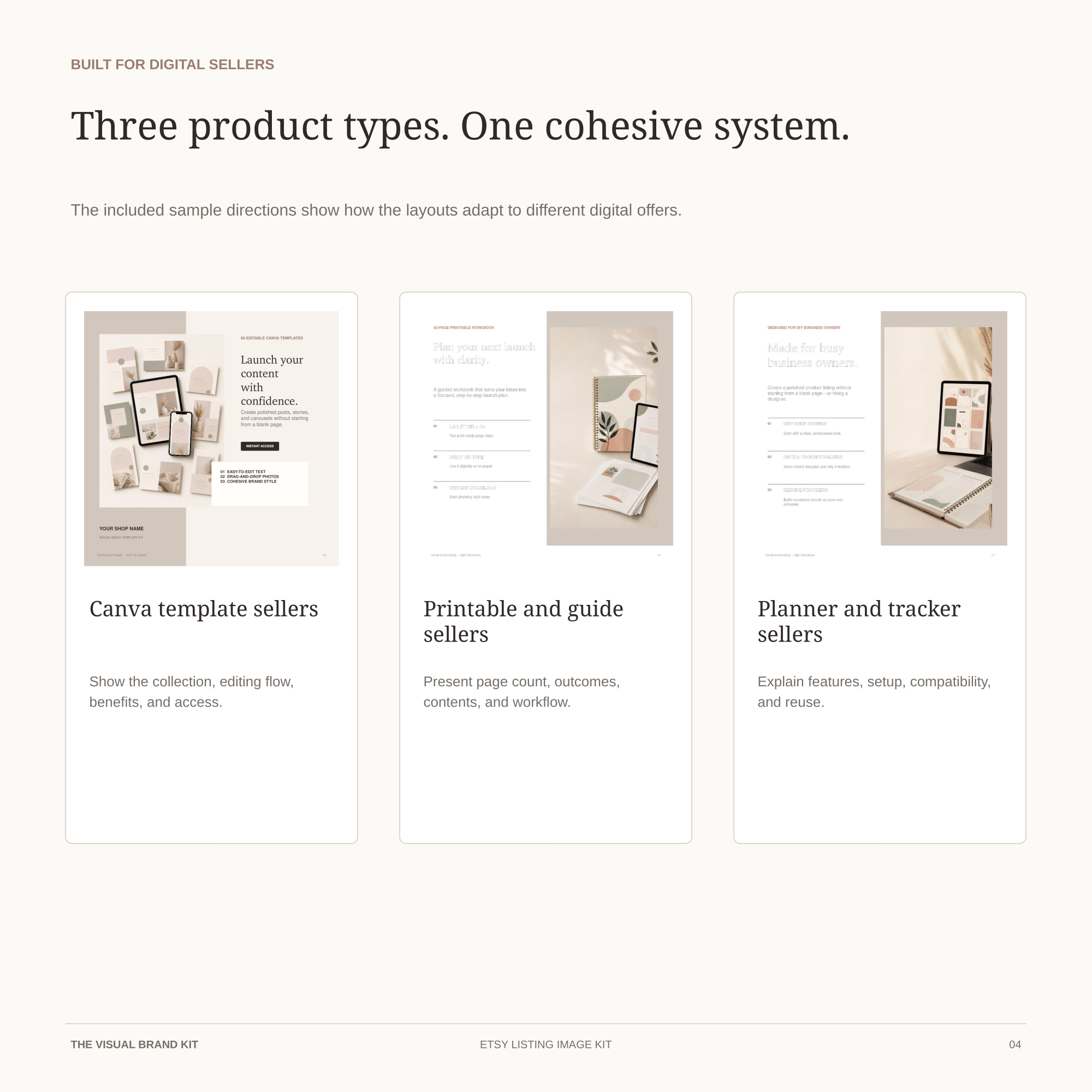
Adapt the kit to different digital products
Sample directions cover Canva templates, printables and guides, and planners or trackers.
Keep one clean master
Duplicate and customize the design system for products owned by the same individual or business.
What is included
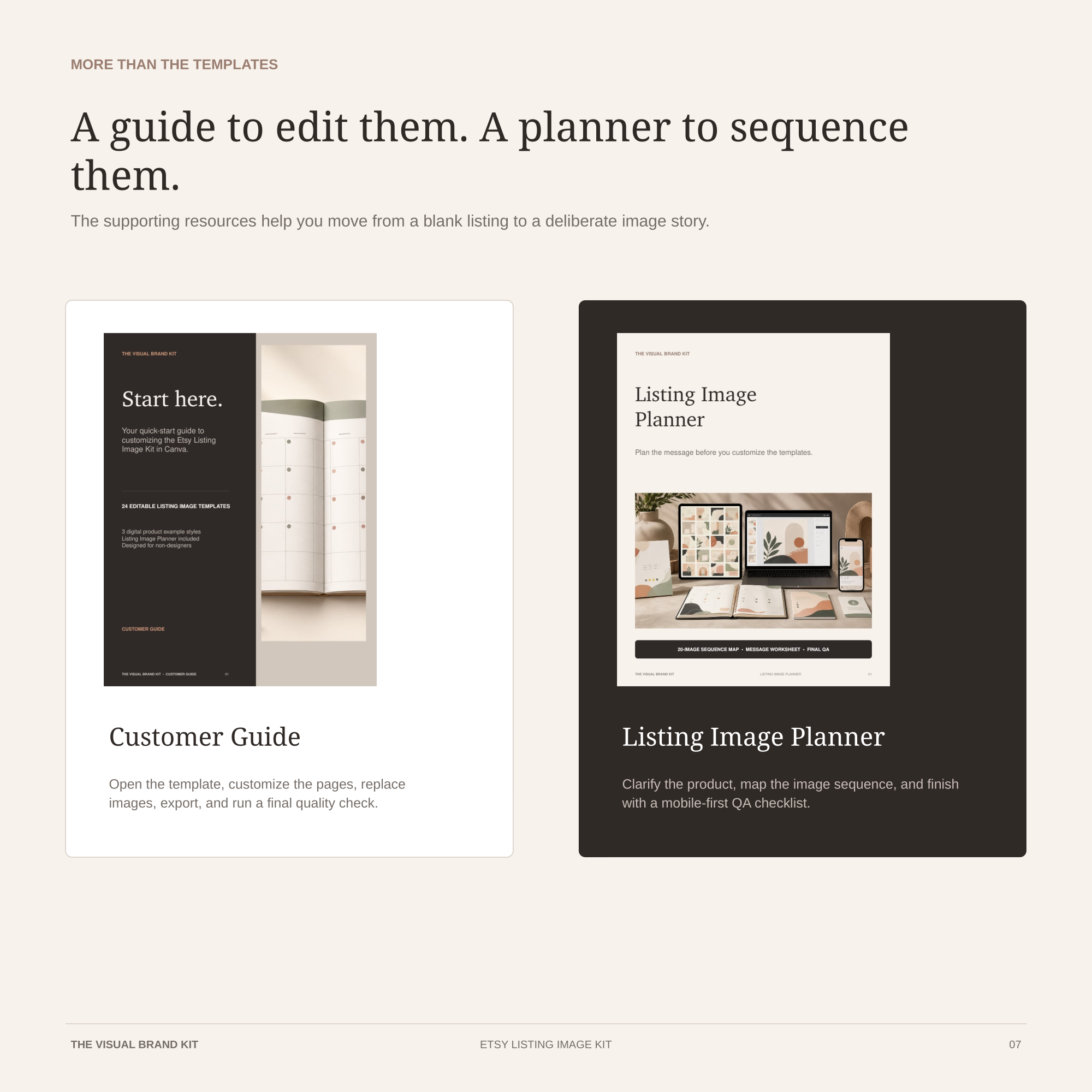
Templates plus the planning tools behind them.
- 24 editable square Canva listing-image templates in a 2000 × 2000 px format
- Six-page Customer Guide for access, editing, export, and quality checks
- Seven-page Listing Image Planner for sequencing the buyer journey
- Template Access PDF with the Canva link
- End User License explaining use and sharing restrictions
How it works
From access PDF to finished PNG files.
Open your editable copy
Use the button inside the START HERE PDF and follow Canva’s prompt to create your own copy.
Keep a clean master
Rename the copy and preserve one unchanged version before customizing product pages.
Edit the listing sequence
Replace text, colors, shop details, and images, then select only the pages the product needs.
Review and export
Check the first image at thumbnail size and download the finished listing pages as PNG files.
Original product previews
See the system before you open Canva.
Designed for
Digital product listings that need clearer explanation.
The layouts are designed for Canva template sellers; printable, workbook, and guide sellers; spreadsheet, planner, and tracker sellers; and small business owners creating their own digital product listings.
Good to know
- This is a digital product; no physical item is shipped.
- A Canva account is required to create and edit your copy.
- The template link is delivered inside the included PDF.
- The product is not affiliated with or endorsed by Canva or Etsy.
- Editable templates may not be resold, redistributed, shared, or published as template links.
- Preview images use AI-generated demo content to show layout roles. Replace all demo content with visuals and copy you own or have permission to use.
Ready to build the sequence?
Start with the pages your buyer needs most.
The product is being prepared for launch. Read the free step-by-step guide while checkout is not open.
Checkout, delivery, support, and final buyer terms will be shown before purchase opens.